How to Install Kanopy on Firestick? Quick Guide
Editor's Choice
#1 Pick
Editor's Choice
 NordVPN
$4.39/month
Save 20%
Blazing Fast
6,998+
214
8
Step by Step Instructions
Step 01

Go to Search on Fire TV
On your Fire TV home screen, select the Search (Find) option at the top.
Step 02

Type “NordVPN”
Use your remote to type NordVPN and choose the app when it appears in the results.
Step 03

Install the App
Click on Get or Download to install NordVPN on your Fire TV.
Step 04

Log In & Connect
Open the app, sign in to your account, and press the connect button to start using the VPN.
How to Install Kanopy on Firestick?
A simple guide to installing and watching Kanopy for free on your Firestick
Step 01
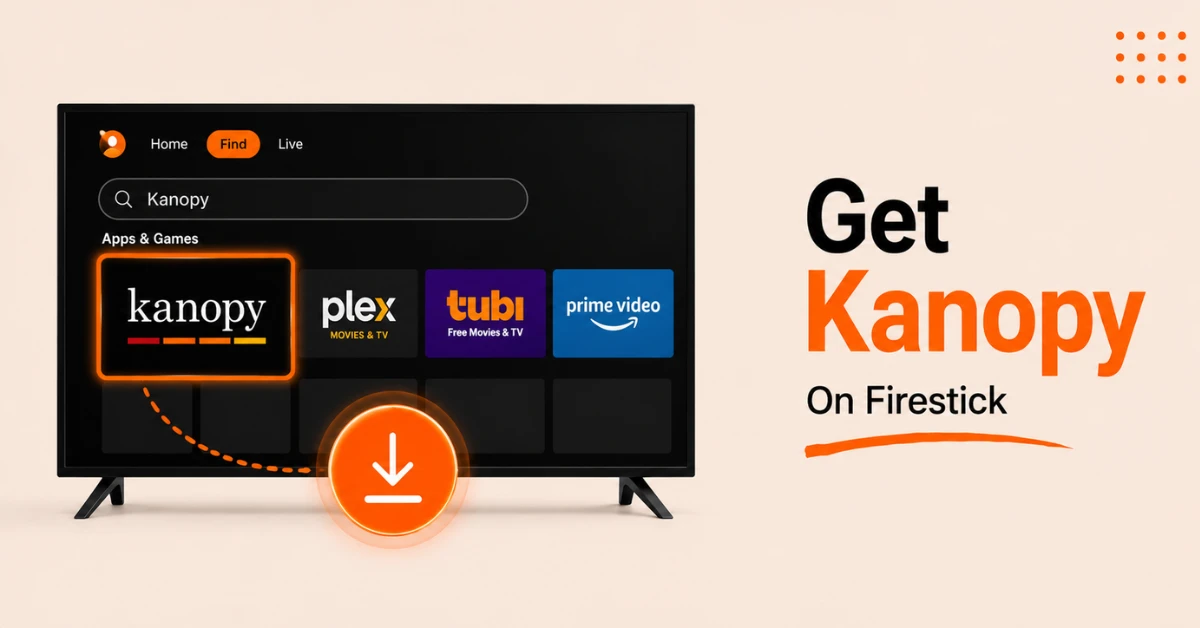
Download Kanopy From the Amazon Appstore
-
From the Firestick home screen, go to Find and select Search
-
Type Kanopy and select the official app from the results
-
Click Get to download and install it on your Firestick
Step 02
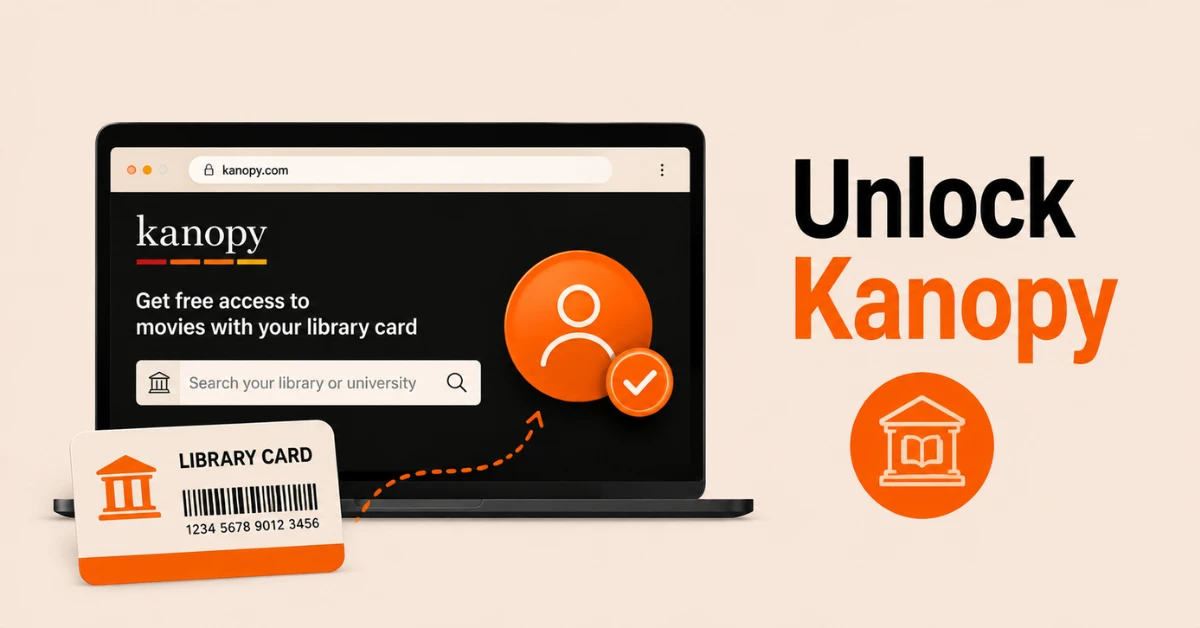
Create a Kanopy Account With Your Library Card
-
Open a browser and go to kanopy.com
-
Search for your local library or university and select it
-
Enter your library card number and follow the prompts to create your free Kanopy account
Get NordVPN — 20% Off
Step 03
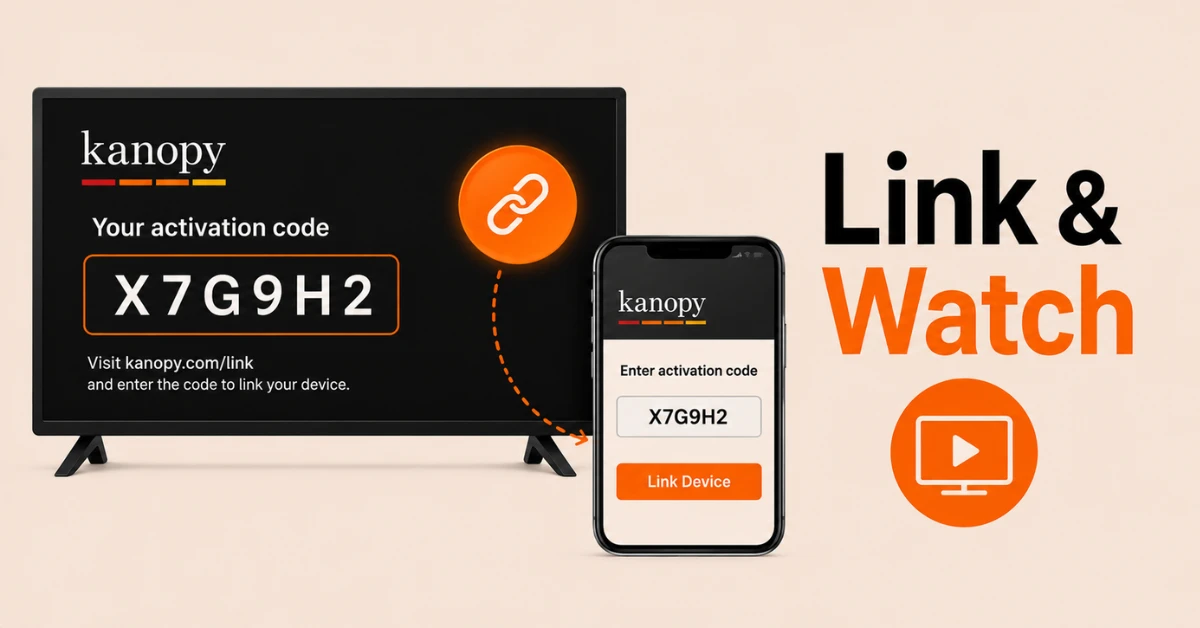
Link Your Device Using an Activation Code
-
Open the Kanopy app on your Firestick and select Log In
-
An activation code will appear on your TV screen
-
On a phone or browser go to kanopy.com/link, sign in to your Kanopy account, and enter the code to link your Firestick
Step 04
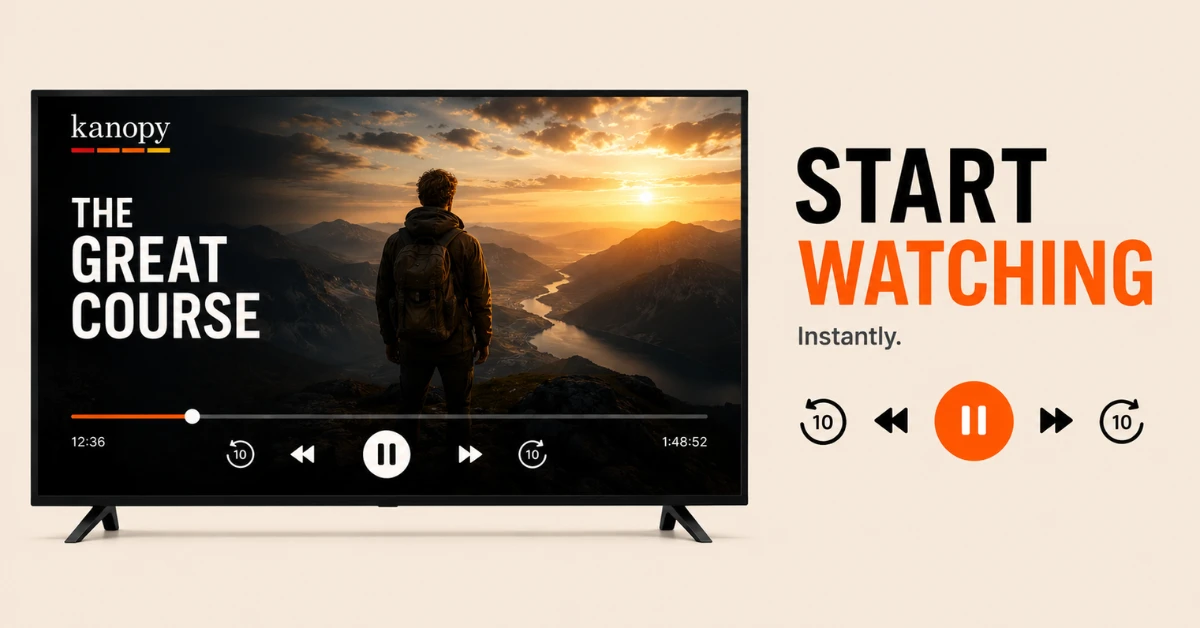
Start Watching
-
Once linked your Firestick screen will confirm the connection automatically
-
Browse the Kanopy library by genre, collection, or use the search bar to find a specific title
-
Select any film and press play to start streaming for free with no ads
Quick Comparison
Side-by-side comparison of top Fire Stick VPNs
| VPN | Price | Servers | Speed | Devices | Rating | Actions |
|---|---|---|---|---|---|---|
|
NordVPN
|
$4.39/mo | 6,998+ | Blazing Fast | 8 | 4.8 | Get Deal |
 EXPRESS VPN
|
$2.79/mo | 3,000+ | Blazing Fast | 8 | 5 | Get Deal |
|
|
$1.88/mo | 3,200+ | Blazing Fast | 8 | 4.7 | Get Deal |
 Proton VPN
|
$3.99/mo | 14,999+ | Blazing Fast | 7 | 4.8 | Get Deal |
 IPVanish
|
$2.49/mo | 3,100+ | Blazing Fast | 6 | 4 | Get Deal |
 Pure VPN
|
$3.55/mo | — | Blazing Fast | 6 | 4 | Get Deal |
Frequently Asked Questions
Do I need a library card to use Kanopy on Firestick?
Yes, a library card from a participating library or a university account is required to use Kanopy on Firestick. Once you link your library card to your Kanopy account you can access the full content library for free.
Do I need to sideload Kanopy on Firestick?
No, Kanopy is officially available on the Amazon Appstore so no sideloading or developer settings are required. Simply search for Kanopy and install it like any other app on your Firestick.
How do I link my Kanopy account to Firestick?
Open the Kanopy app on your Firestick and select Log In. Note the activation code shown on your TV screen, go to kanopy.com/link on a phone or browser, sign in to your Kanopy account, and enter the code to complete the linking process.
How do I sign up for the Kanopy library app on Firestick?
Go to kanopy.com on a browser, search for your local library or university, and enter your library card number to create a free Kanopy account. Once your account is set up download the Kanopy app on your Firestick and link it using the activation code shown on screen.
What can I watch on the Kanopy Fire TV app?
The Kanopy Fire TV app gives you access to over 30,000 titles including award winning documentaries, independent films, classic cinema, foreign language films, and curated collections like The Criterion Collection all completely free with no ads.
Does the Kanopy Fire TV app support subtitles?
Yes, the Kanopy Fire TV app supports subtitles for most content. You can enable subtitles through the playback settings while watching any film within the app.
Can I watch Kanopy on Firestick outside the US?
Kanopy is available in the US, Canada, Australia, and New Zealand through participating libraries. If your library is located in one of these countries you can watch Kanopy on Firestick from anywhere as long as your account is active.