How to Install Pandora on Firestick? Quick Setup
Editor's Choice
#1 Pick
Editor's Choice
 EXPRESS VPN
$2.79/month
Save 20%
Blazing Fast
3,000+
214
8
Step by Step Instructions
Step 01

Open the Amazon App Store
From your Firestick home screen, navigate to the “Find” or search icon and open the Amazon App Store.
Step 02

Search for ExpressVPN
Type “ExpressVPN” in the search bar using your remote. Select the official ExpressVPN app from the results.
Step 03

Download & Install the App
Click on the “Download” or “Get” button to install the app on your Firestick. Wait for the installation to complete.
Step 04

Sign In & Connect
Open the app, sign in with your ExpressVPN account, and tap the power button to connect to a server.
How to Install Pandora on Firestick?
Instructions to Install Pandora and get personalised radio streaming through your Firestick
Step 01
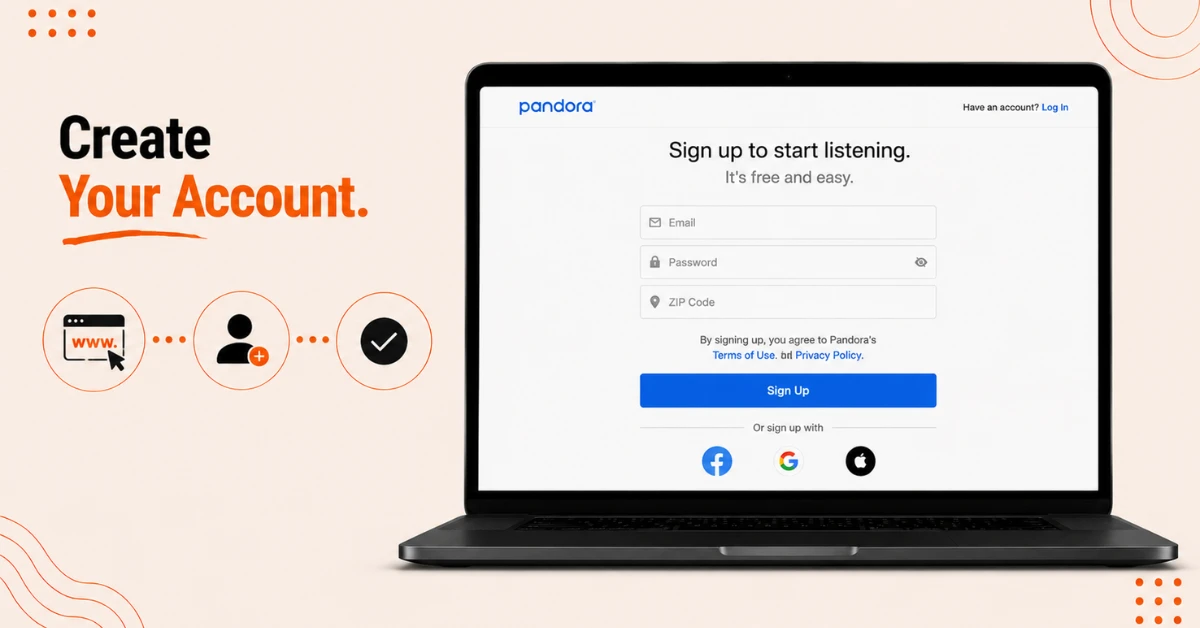
Create a Pandora Account
-
On a computer, phone, or the Silk Browser, go to pandora.com and select Sign Up
-
Fill in your details to register, using any US zip code if you're outside the US and one isn't accepted
-
Complete the signup to finish creating your account
Step 02
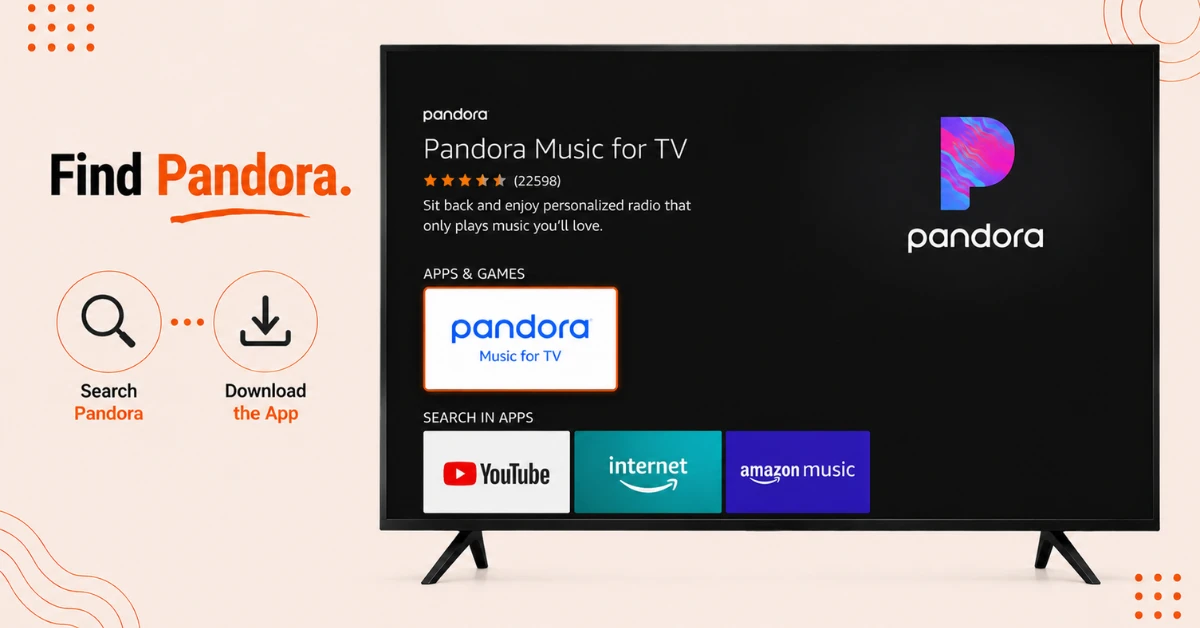
Search for Pandora on the Appstore
-
Click Find on your Firestick home screen and select Search
-
Type Pandora and select Pandora Music for TV from the results
-
Click Get to begin downloading the app
Get EXPRESS VPN — 20% Off
Step 03
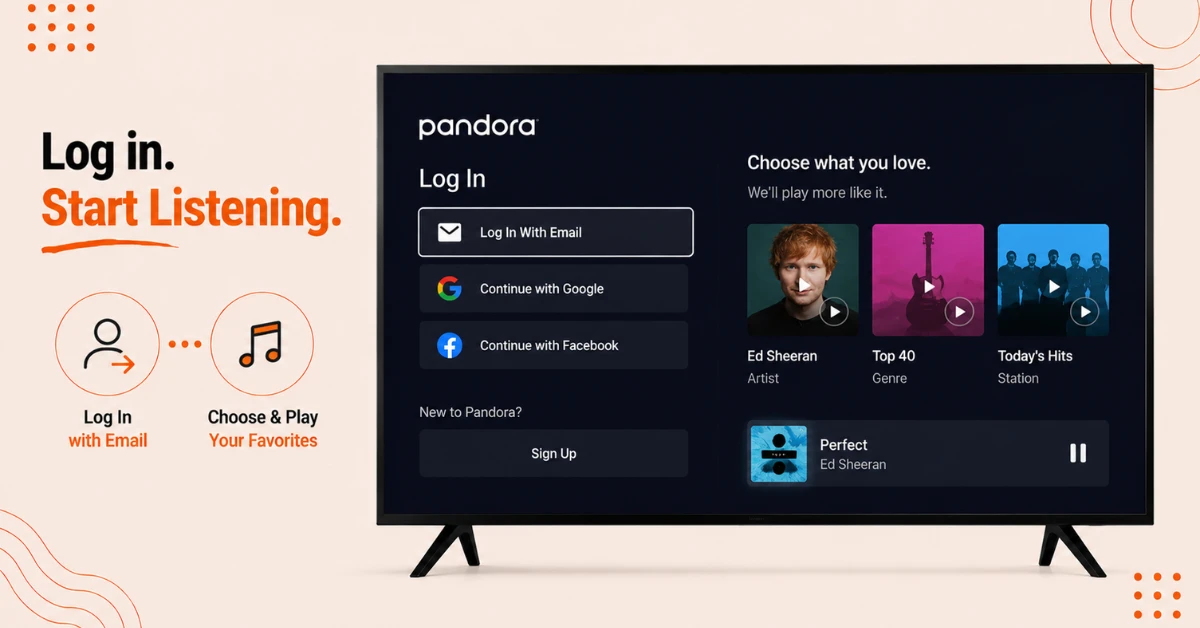
Sign In and Start Listening
-
Once installed, click Open and select Login
-
Choose Log In With Email and enter your account credentials
-
Pick an artist, genre, or station and start listening
Step 04
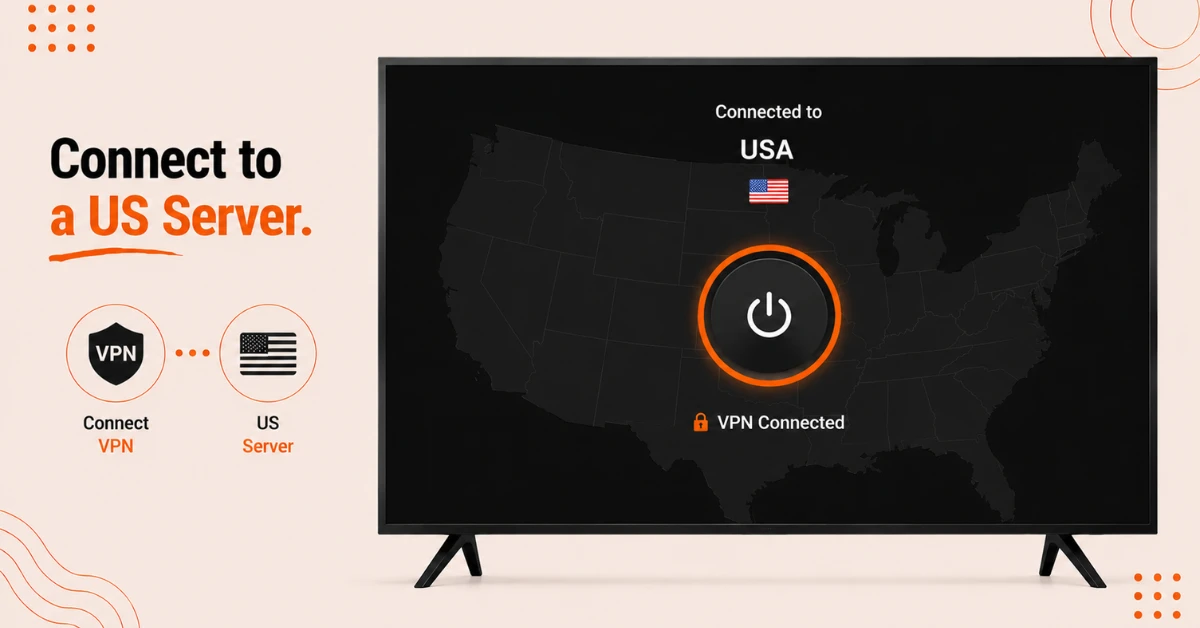
Use a US VPN Server if You're Outside the US
-
Pandora only works within the US, so anyone outside it will need to connect through a VPN first
-
Open your VPN app and connect to a server located in the US
-
Keep the VPN connected throughout signup, installation, and while listening
Quick Comparison
Side-by-side comparison of top Fire Stick VPNs
| VPN | Price | Servers | Speed | Devices | Rating | Actions |
|---|---|---|---|---|---|---|
|
EXPRESS VPN
|
$2.79/mo | 3,000+ | Blazing Fast | 8 | 5 | Get Deal |
 Proton VPN
|
$3.99/mo | 14,999+ | Blazing Fast | 7 | 4.8 | Get Deal |
 NordVPN
|
$4.39/mo | 6,998+ | Blazing Fast | 8 | 4.8 | Get Deal |
|
|
$1.88/mo | 3,200+ | Blazing Fast | 8 | 4.7 | Get Deal |
 IPVanish
|
$2.49/mo | 3,100+ | Blazing Fast | 6 | 4 | Get Deal |
 PrivadoVPN
|
$1.99/mo | — | Blazing Fast | 5 | 4 | Get Deal |
Frequently Asked Questions
Is Pandora available on Firestick?
Yes, Pandora can be downloaded directly from the Amazon Appstore on your Firestick, making installation straightforward for most users.
Can I listen to Pandora ad free on Firestick?
Yes, Pandora has a free ad supported tier, with paid plans available if you want an ad free experience or offline listening.
Why does Pandora ask for a US zip code when I sign up?
Pandora is built around US service availability, so the signup form expects a US zip code even if you're located elsewhere.
Why can't I find Pandora when I search for it on my Firestick?
This often means your Amazon account region isn't set to the US, since Pandora's Appstore listing is region restricted accordingly.
Do I need a VPN to install Pandora on Firestick?
If you're outside the US, yes, since both signing up and accessing the app require a US based connection through a VPN.
Why is the Pandora Fire TV app hard to navigate with my remote?
Pandora's interface wasn't built with full Fire TV remote support in mind, so some users prefer controlling it through the Fire TV mobile app instead.
Can multiple people use the same Pandora app account on one Firestick?
Pandora Premium Family plans allow multiple individual profiles under one account, which works well for shared Firestick households.