How to Install Real Debrid on Firestick?
Editor's Choice
#1 Pick
Editor's Choice
 NordVPN
$4.39/month
Save 20%
Blazing Fast
6,998+
214
8
Step by Step Instructions
Step 01

Go to Search on Fire TV
On your Fire TV home screen, select the Search (Find) option at the top.
Step 02

Type “NordVPN”
Use your remote to type NordVPN and choose the app when it appears in the results.
Step 03

Install the App
Click on Get or Download to install NordVPN on your Fire TV.
Step 04

Log In & Connect
Open the app, sign in to your account, and press the connect button to start using the VPN.
How to Install Real Debrid on Firestick?
Step by step guide to set up Real Debrid on Fire TV Stick. Takes about 10 minutes.
Step 01

Create Your Real Debrid Account
-
Visit real-debrid.com and register a new account.
-
Choose a subscription plan and complete your payment.
-
Keep your login credentials ready for the firestick setup.
Step 02
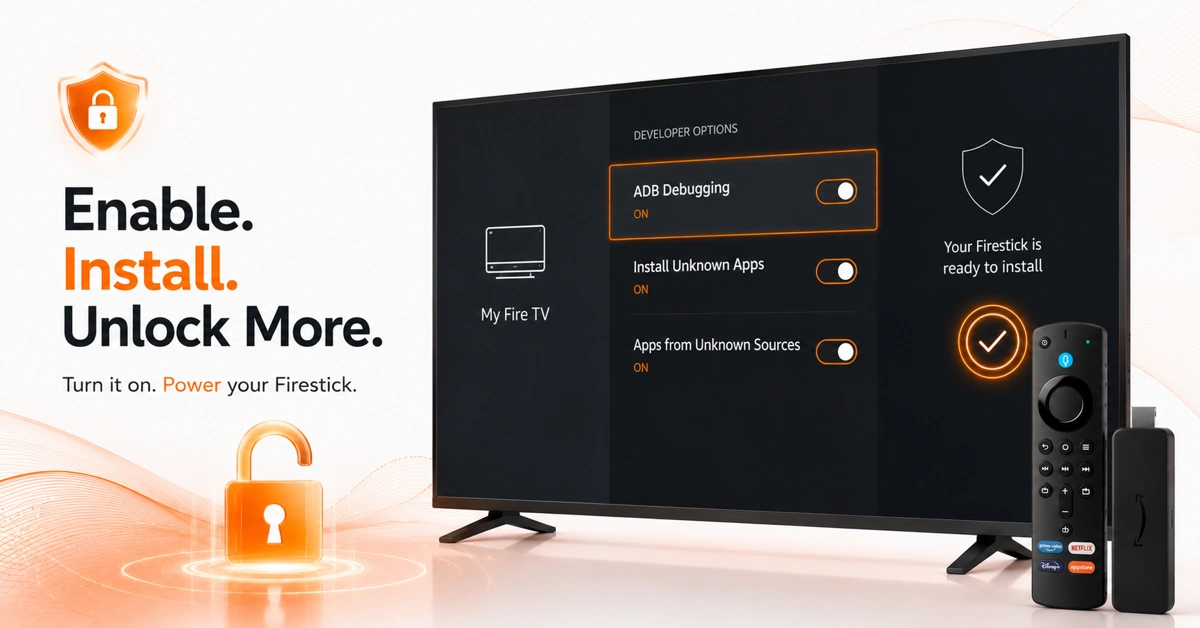
Unlock Sideloading to Set Up Real Debrid on Firestick
-
Go to Settings > My Fire TV > Developer Options.
-
Toggle ADB Debugging and Install Unknown Apps ON.
-
This allows you to install apps needed for real debrid firestick.
Get NordVPN — 20% Off
Step 03
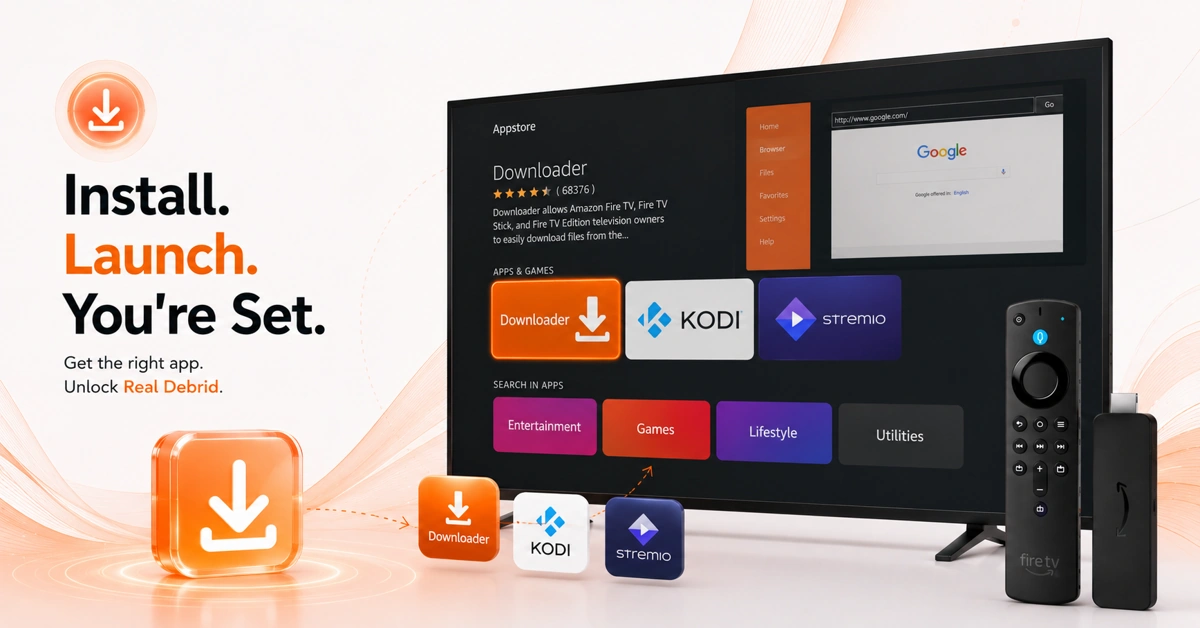
Install a Compatible App on Firestick
-
Open App Store and download the Downloader app first.
-
Use Downloader to install Kodi
-
Alternatively, install Stremio from the Amazon App Store directly.
Step 04
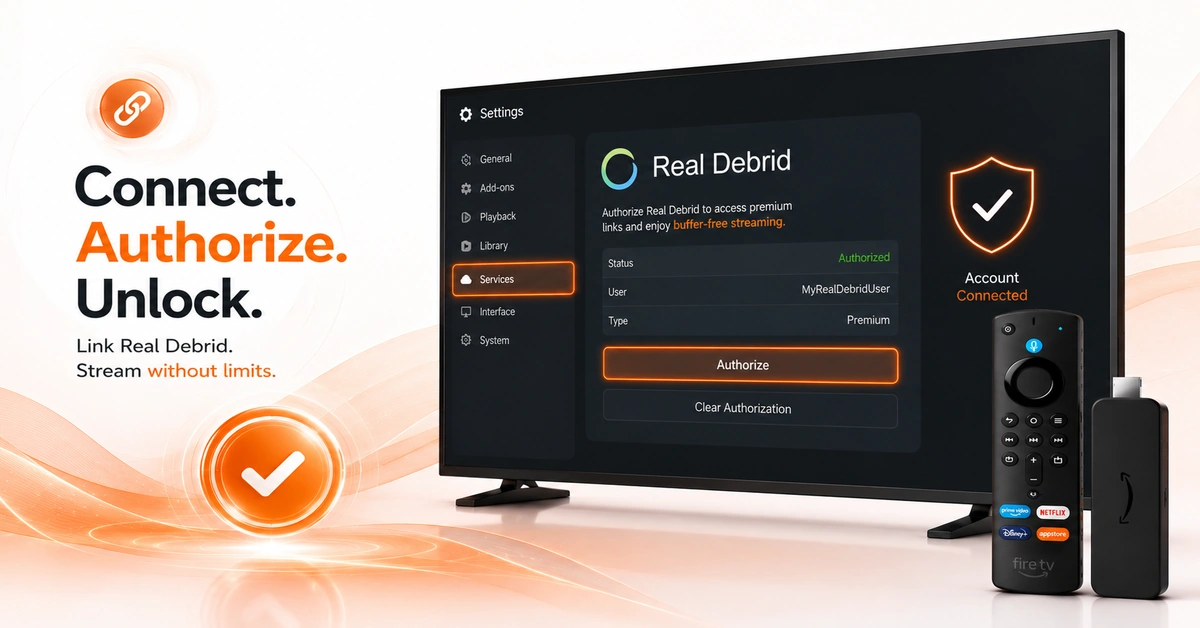
Set Up Real Debrid on Fire TV Stick
-
Open Kodi or Stremio and navigate to the settings section.
-
Select Real Debrid under the account or services menu.
-
Enter your credentials or authorization code to complete setup.
Quick Comparison
Side-by-side comparison of top Fire Stick VPNs
| VPN | Price | Servers | Speed | Devices | Rating | Actions |
|---|---|---|---|---|---|---|
|
NordVPN
|
$4.39/mo | 6,998+ | Blazing Fast | 8 | 4.8 | Get Deal |
|
|
$1.88/mo | 3,200+ | Blazing Fast | 8 | 4.7 | Get Deal |
 EXPRESS VPN
|
$2.79/mo | 3,000+ | Blazing Fast | 8 | 5 | Get Deal |
 Proton VPN
|
$3.99/mo | 14,999+ | Blazing Fast | 7 | 4.8 | Get Deal |
 Cyberghost vpn
|
$12.99/mo | 9,700+ | Fast | 6 | 4.2 | Get Deal |
 Private Internet Access
|
$11.95/mo | 35,000+ | Blazing Fast | 8 | 4 | Get Deal |
 IPVanish
|
$2.49/mo | 3,100+ | Blazing Fast | 6 | 4 | Get Deal |
 PrivadoVPN
|
$1.99/mo | — | Blazing Fast | 5 | 4 | Get Deal |
Frequently Asked Questions
What is Real Debrid on Firestick?
Real Debrid is a premium link resolver that unlocks high-quality streams on apps like Kodi and Stremio. Real Debrid on Firestick works by authenticating your account inside a compatible streaming app. It dramatically improves stream quality and availability for supported sources.
How do I install Real Debrid on Firestick?
Create a Real Debrid account, enable developer options, install a compatible app like Kodi or Stremio, then authorize your Real Debrid credentials inside that app. The full process to set up Real Debrid on Fire TV Stick takes about 10 minutes. No direct standalone app exists on the Amazon App Store.
Is Real Debrid free on Firestick?
No, Real Debrid requires a paid subscription to use. Pricing is very affordable, with plans starting from a few euros per month. Once subscribed, you can set up real debrid on firestick inside multiple compatible apps simultaneously.
Is Real Debrid on Firestick safe to use?
Real Debrid itself is a legitimate service, but the apps used to access it may link to unofficial streaming sources. Always use a VPN like Surfshark when using real debrid on firestick to encrypt your traffic and protect your privacy online.
Do I need Kodi to use Real Debrid on Firestick?
Kodi is the most common app used with real debrid firestick, but it is not the only option. Stremio, Syncler, and Oath are popular Real Debrid-compatible alternatives. Choose whichever app best fits your preferred streaming experience.
Why is Real Debrid not working on my Firestick?
Re-authorize your Real Debrid account inside your app from the settings menu. Ensure your subscription is active and has not expired on the Real Debrid website. Restarting your Firestick and the compatible app usually resolves most connection issues.
Can I use Real Debrid on multiple devices?
Yes, one Real Debrid account can be used across multiple devices simultaneously. However, Real Debrid limits the number of active IP addresses that can use a single account at the same time. Check your account settings on real-debrid.com for active connection details.