How to Install Surfshark on Firestick: Step-by-Step Guide (2026)
Editor's Choice
#1 Pick
Editor's Choice
 NordVPN
$4.39/month
Save 20% today!
Blazing Fast
6,998+
214
8
Step by Step Instructions
Step 01

Go to Search on Fire TV
On your Fire TV home screen, select the Search (Find) option at the top.
Step 02

Type “NordVPN”
Use your remote to type NordVPN and choose the app when it appears in the results.
Step 03

Install the App
Click on Get or Download to install NordVPN on your Fire TV.
Step 04

Log In & Connect
Open the app, sign in to your account, and press the connect button to start using the VPN.
How to Install Surfshark on Firestick
Quick guide to install Surfshark on Firestick for secure streaming.
Step 01
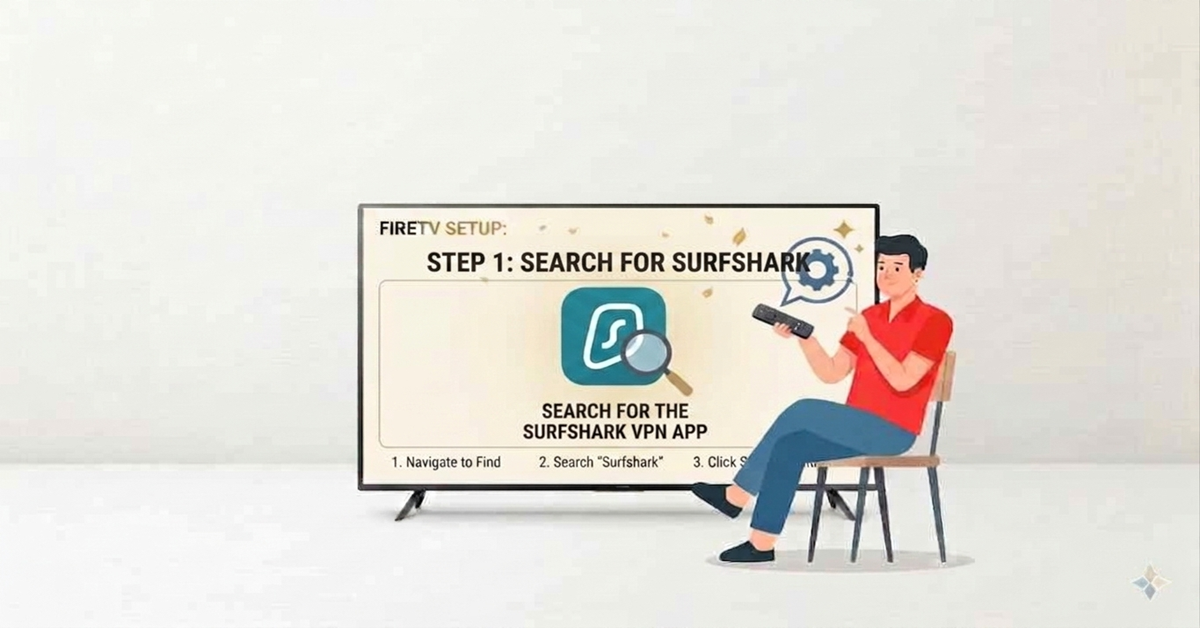
Search for the Surfshark App
-
Open the Firestick home screen and navigate to the Find menu.
-
Select the Search bar and type "Surfshark" using the on-screen keyboard.
-
Look for the Surfshark VPN icon in the search results and click on it.
Step 02
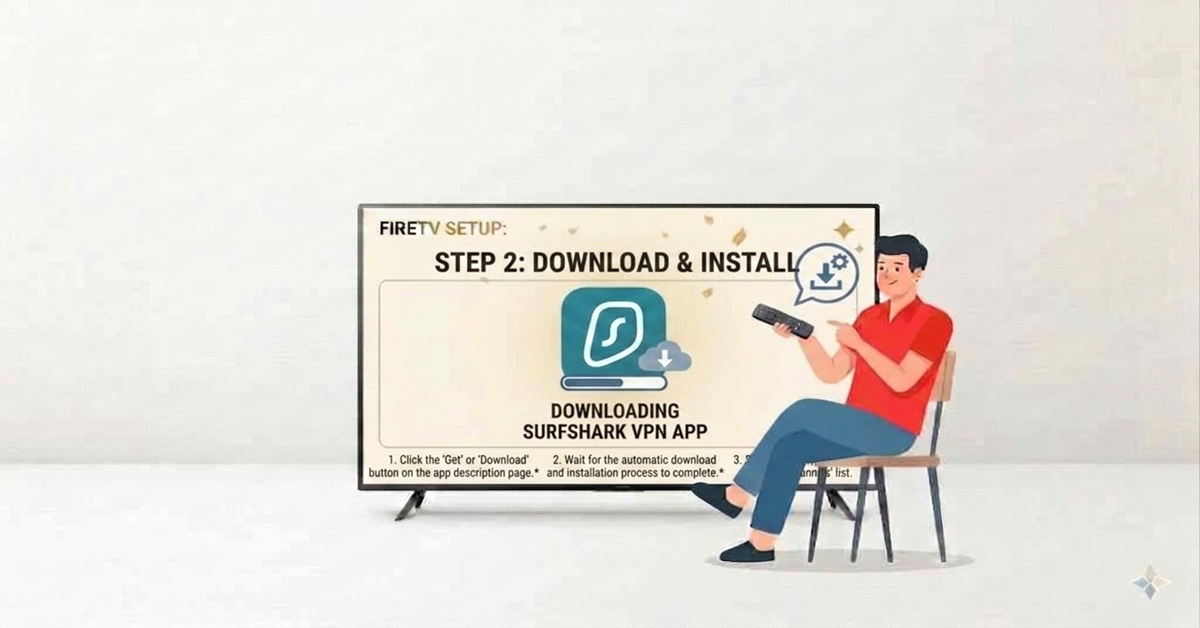
Download and Install
-
Click the Get or Download button on the app description page.
-
Wait for the automatic download and installation process to complete.
-
Select Open to launch the application immediately, or find it later in your "Apps & Channels" list.
Get NordVPN — 20% Off
Best VPN for Fire Stick streaming. Save 20% today!
Step 03
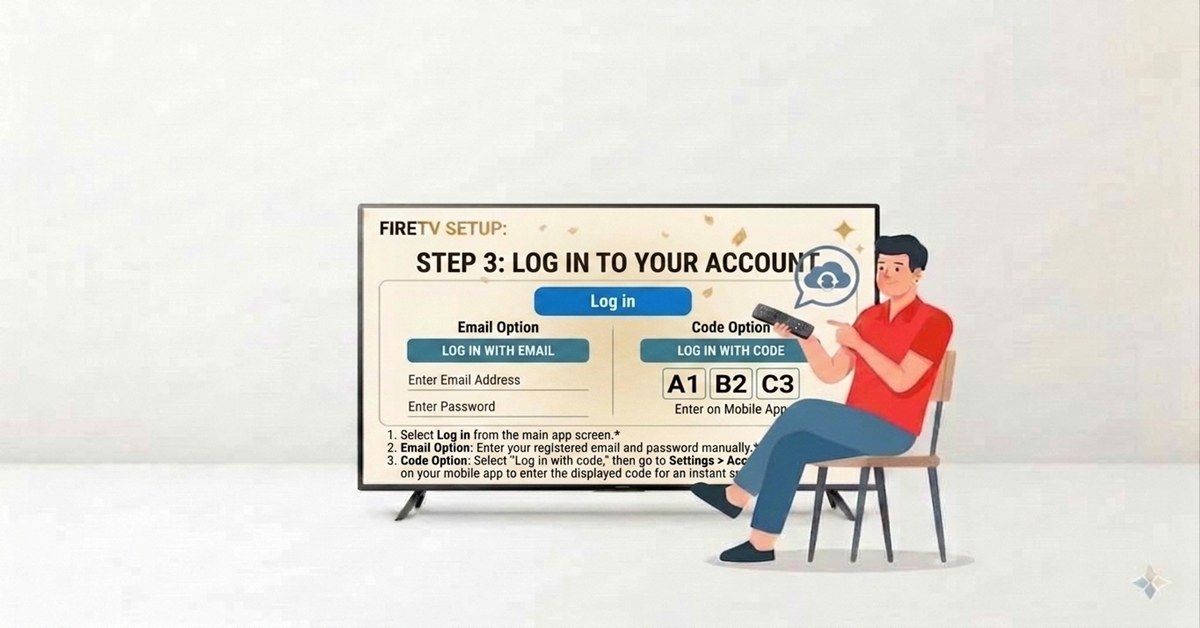
Log In to Your Account
-
Select Log in from the main app screen.
-
Email Option: Enter your registered email address and password manually.
-
Select "Log in with code," then go to Settings > Account > TV login on your mobile app to enter the displayed code for an instant sync.
Step 04
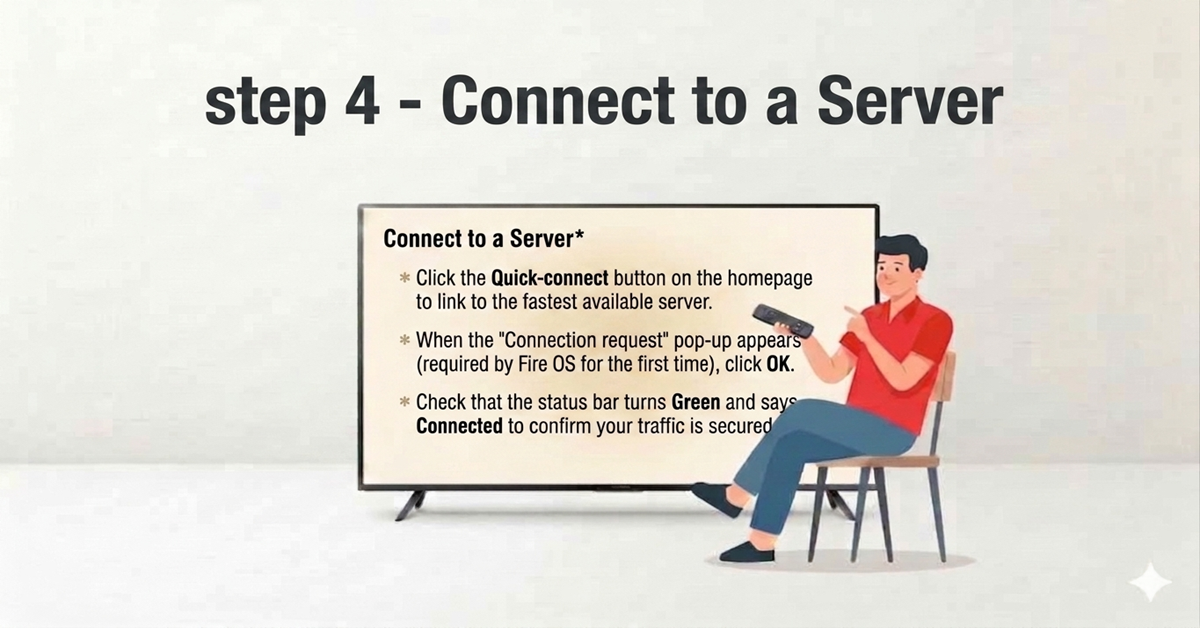
Connect to a Server
-
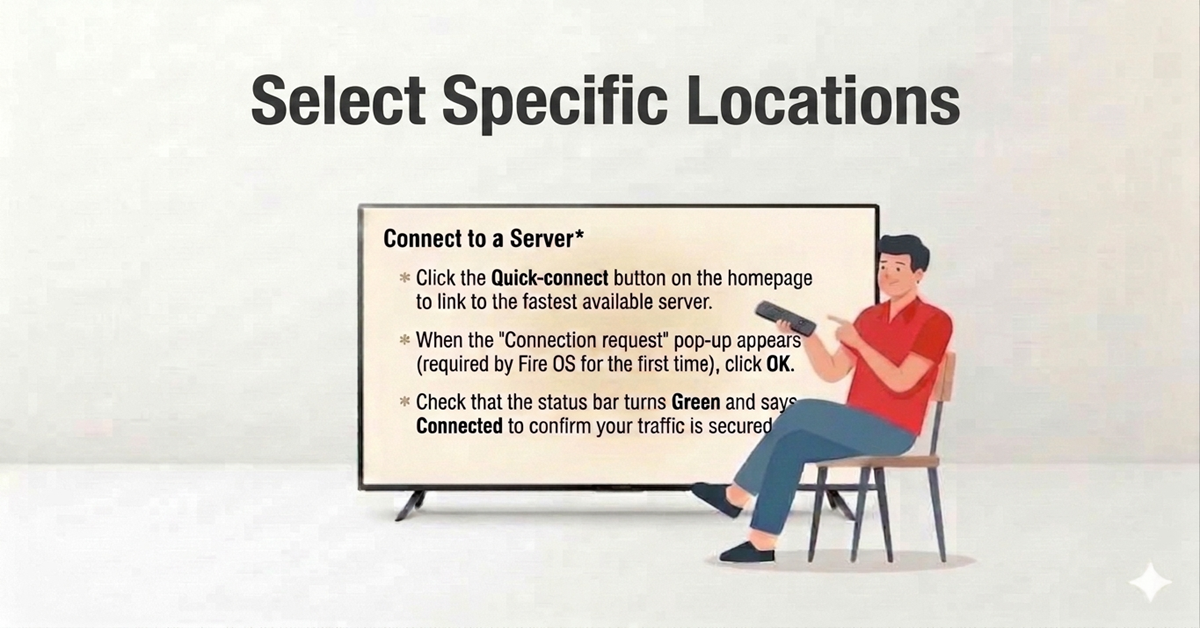
Click the Quick-connect button on the homepage to link to the fastest available server.
-
When the "Connection request" pop-up appears (required by Fire OS for the first time), click OK.
-
Check that the status bar turns Green and says Connected to confirm your traffic is secured.
Get NordVPN — 20% Off
Best VPN for Fire Stick streaming. Save 20% today!
Step 05
Select Specific Locations
-
Navigate to the Locations tab on the left sidebar to view 100+ countries.
-
Use the Star icon next to a city or country to add it to your Favourites list for quicker access.
-
Monitor the Bubble icon next to locations; a full bubble indicates a heavy server load, while an empty one means faster performance.
Step 06
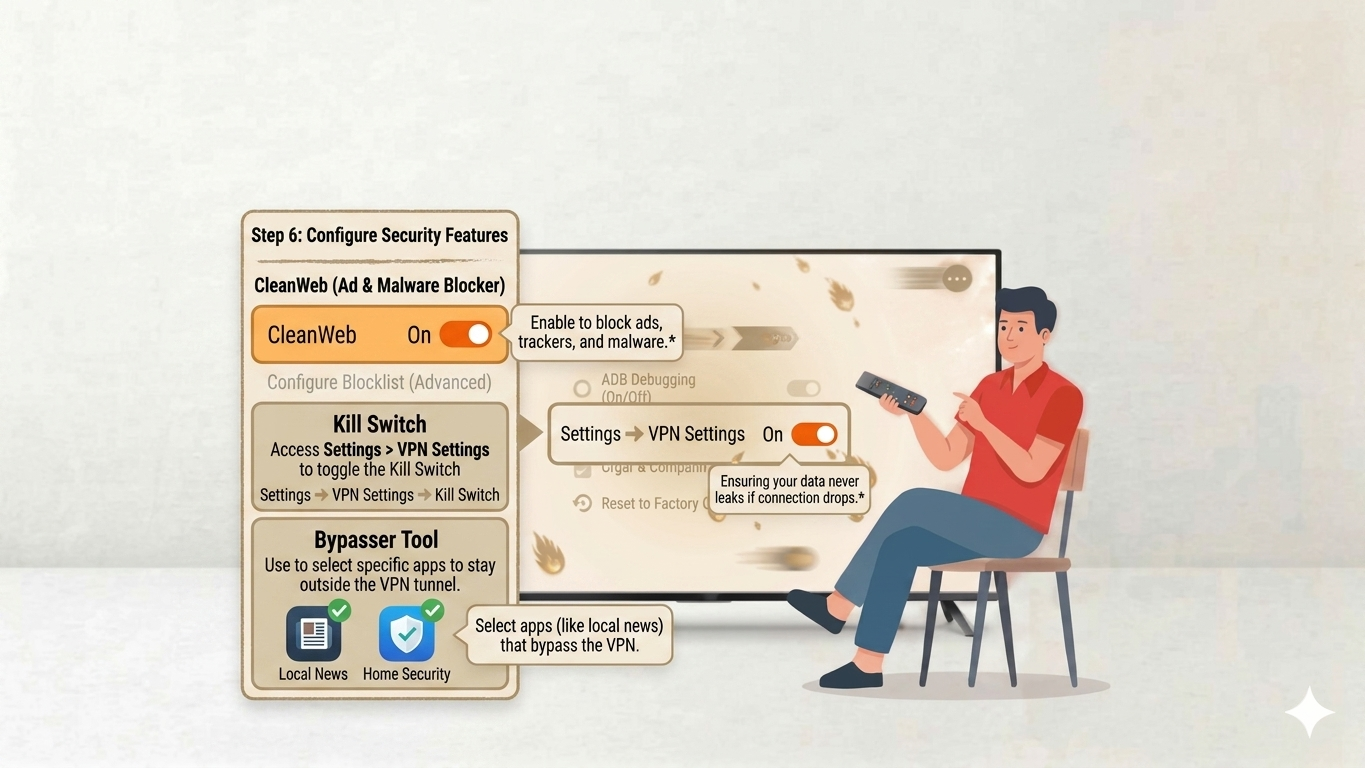
Configure Security Features
-
Go to the Features tab to enable CleanWeb, which blocks ads, trackers, and malware.
-
Access Settings > VPN Settings to toggle the Kill Switch, ensuring your data never leaks if the connection drops.
-
Use the Bypasser tool within features to select specific apps (like local news) that should stay outside the VPN tunnel.
Quick Comparison
Side-by-side comparison of top Fire Stick VPNs
 Proton VPN
Frequently Asked Questions
Is Surfshark compatible with all Firestick generations?
Surfshark is compatible with 2nd-gen Firesticks and later, including all 4K, 4K Max, and Fire TV Cube models. It does not support 1st-gen Firestick devices.
Can I use Surfshark on Firestick without an account?
No, an active Surfshark subscription is required. You must register for an account online first and then use those credentials to log in to the Firestick app.
Does Surfshark slow down streaming on Firestick?
While all VPNs may slightly decrease speeds due to encryption, Surfshark is highly optimized for performance. Its WireGuard protocol typically maintains speeds fast enough for 4K streaming.
How do I log in to Surfshark on my TV quickly?
Instead of typing, you can use the QR code method. Open your phone's camera, scan the code on your TV, and confirm the login via your mobile app.
Will Surfshark work with Netflix and Hulu on Firestick?
Yes, Surfshark is designed to bypass geo-restrictions for major platforms like Netflix, Prime Video, and Hulu. It allows you to access library content from different global regions easily.
What should I do if Surfshark isn't connecting on Firestick?
First, try changing the connection protocol in the app's settings to WireGuard or OpenVPN. If issues persist, restart your router and Firestick, or reinstall the app.
Can I protect multiple devices with one Surfshark account?
Yes, one of Surfshark's best features is its unlimited simultaneous connections policy. You can secure your Firestick, smartphones, and computers all at once using a single subscription.