How to Install Tablo TV on Firestick? Setup Guide
Editor's Choice
#1 Pick
Editor's Choice
 Proton VPN
$3.99/month
Save 20%
Blazing Fast
14,999+
214
7
Step by Step Instructions
Step 01
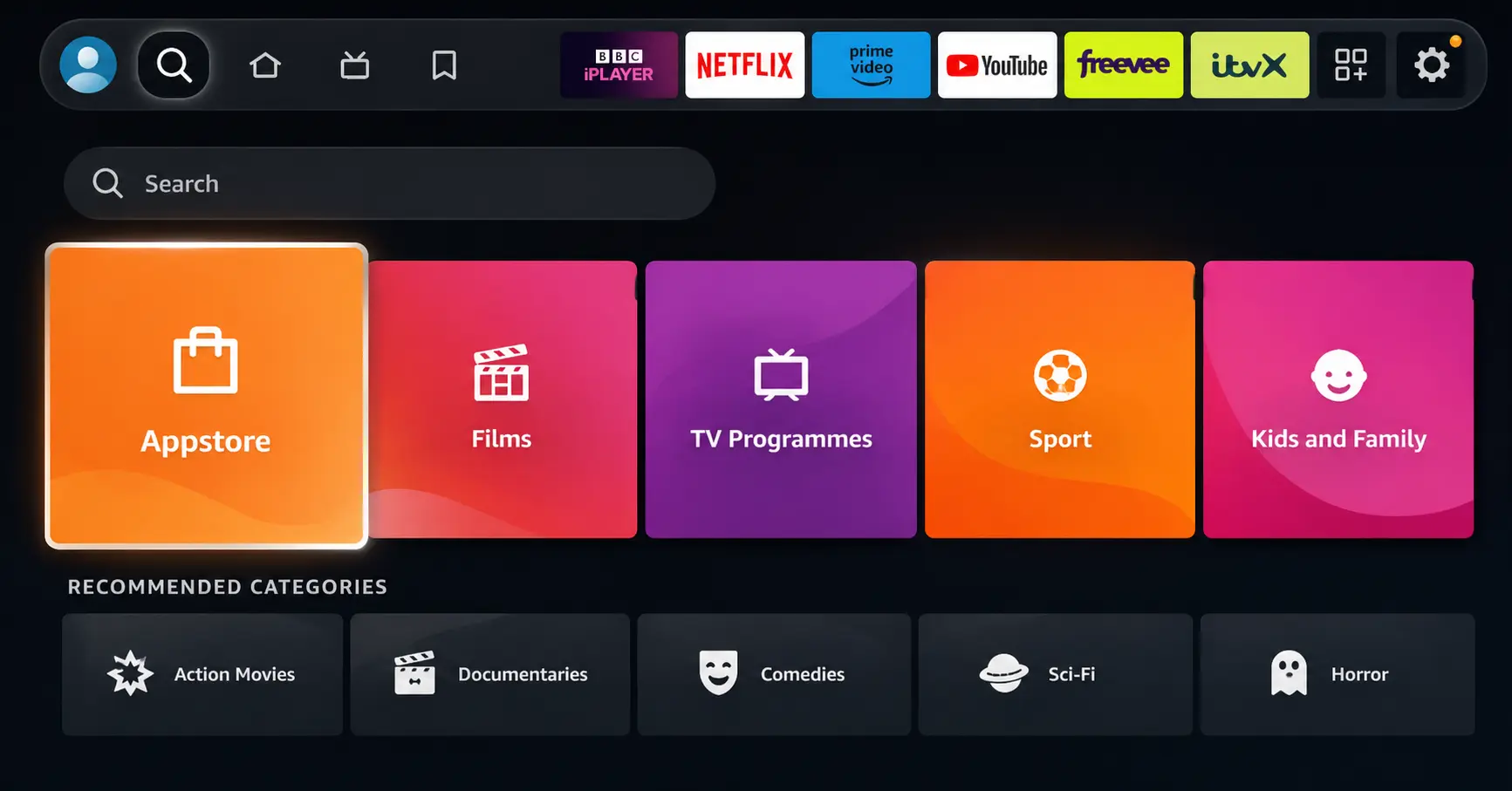
Open Search on Fire TV
Go to the Find (Search) option from your Fire TV home screen.
Step 02
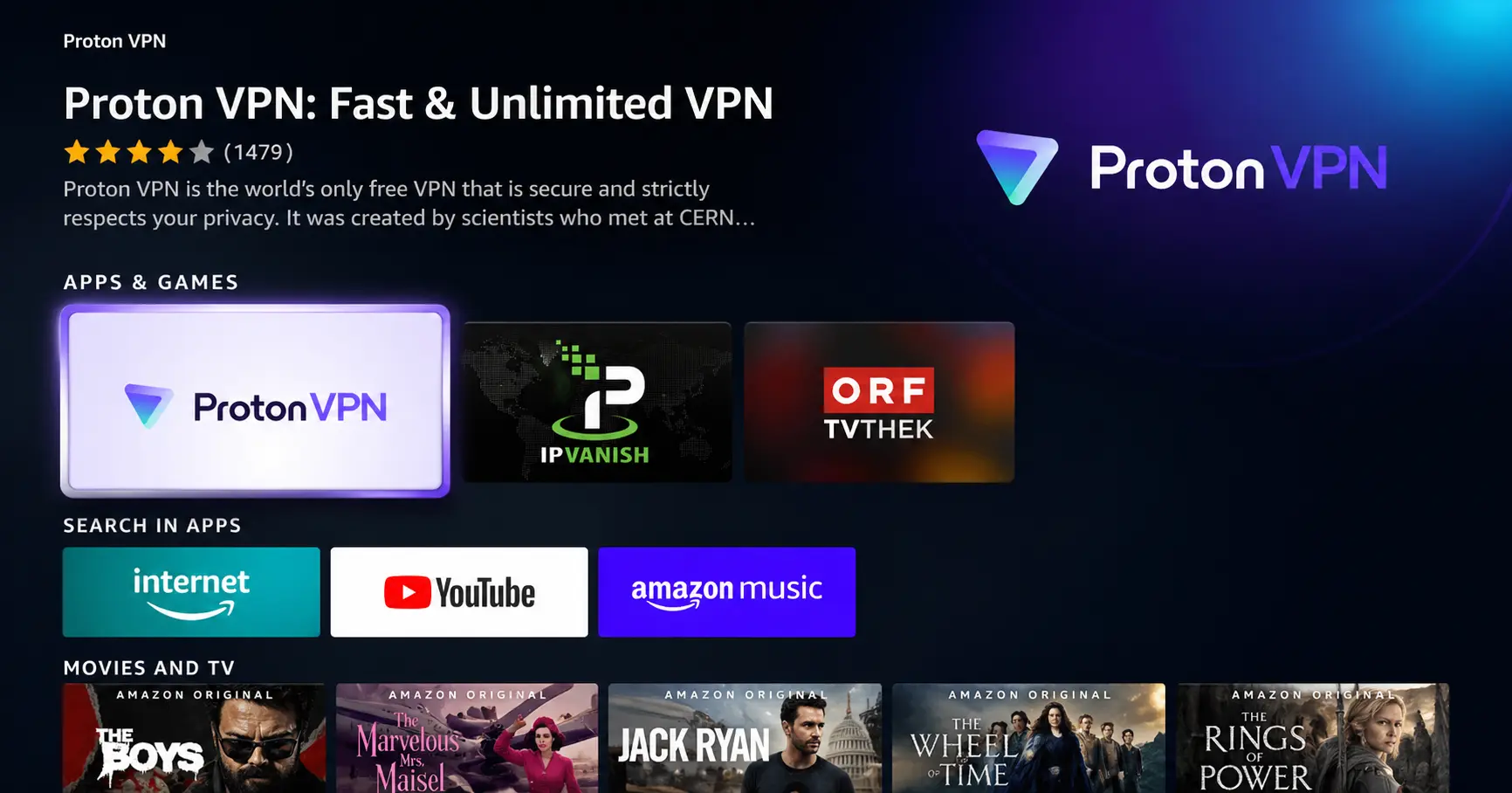
Search for ProtonVPN
Type ProtonVPN using your remote and select the app from the results.
Step 03
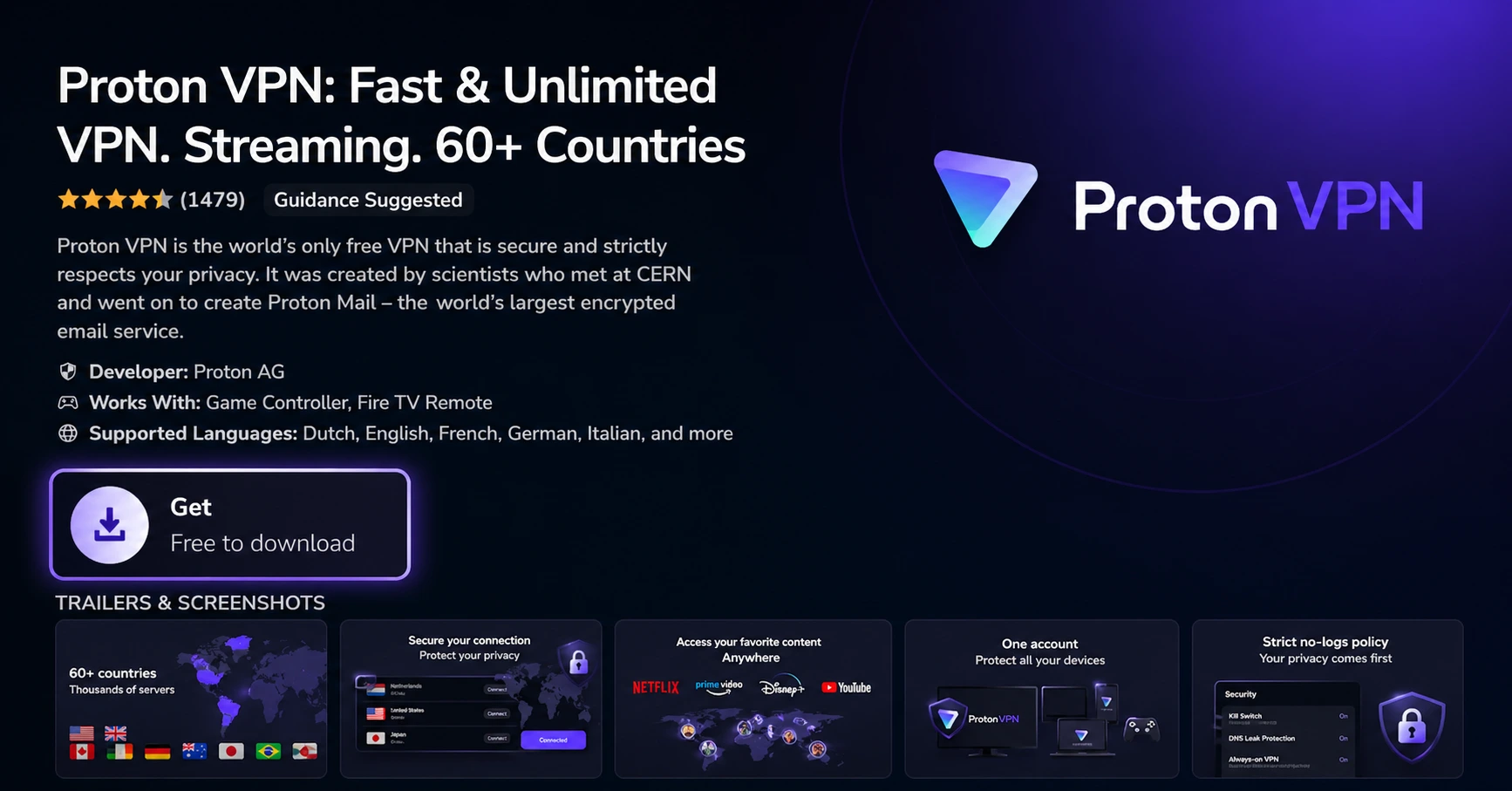
Install the App
Click on Get or Download to install ProtonVPN on your Fire TV.
Step 04
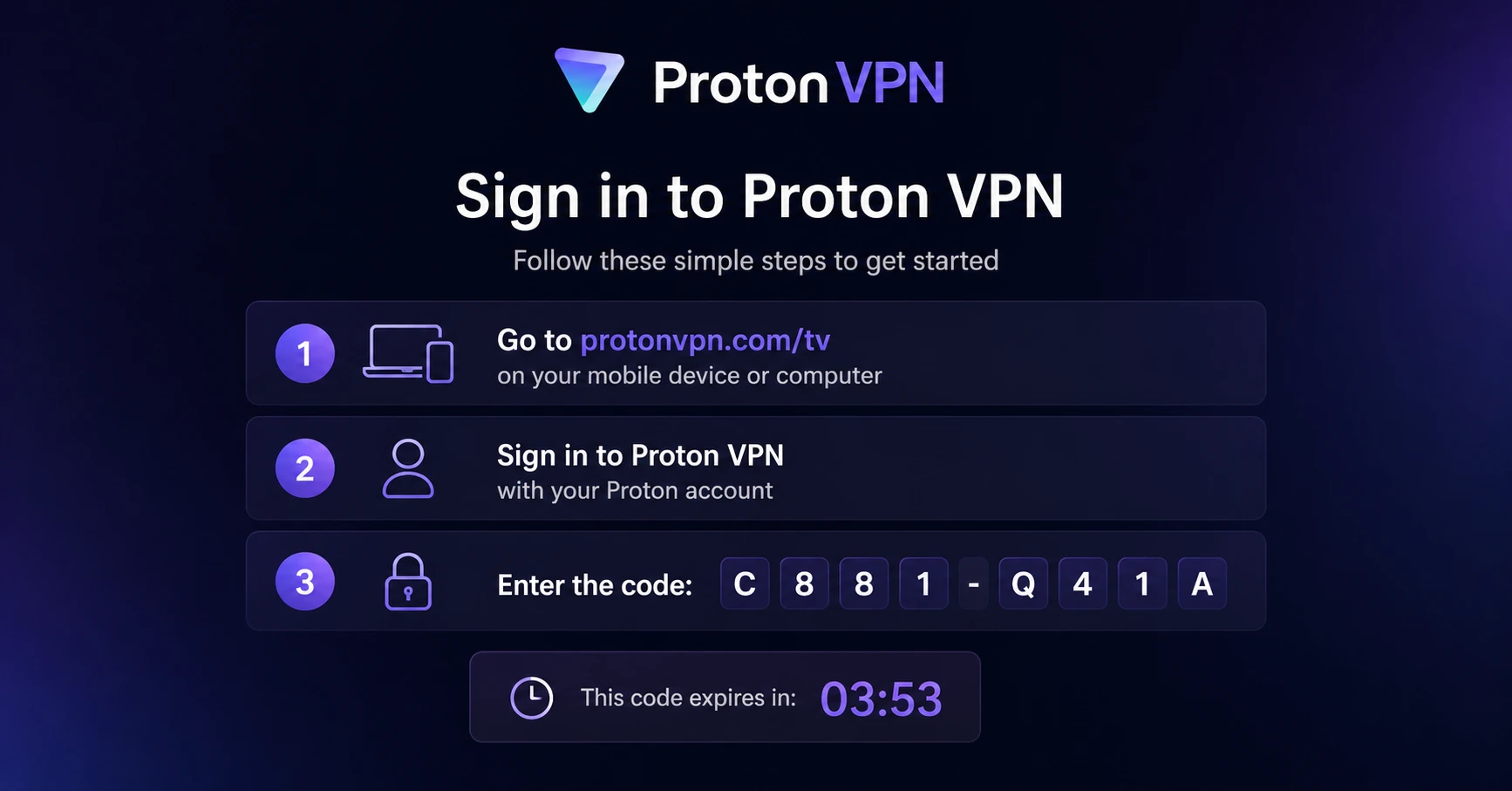
Sign In & Connect
Open the app, sign in using your Proton account (QR or code method), and connect to a server.
How to Install Tablo TV on Firestick?
Bring free antenna TV and live streaming channels to your Firestick with Tablo
Step 01
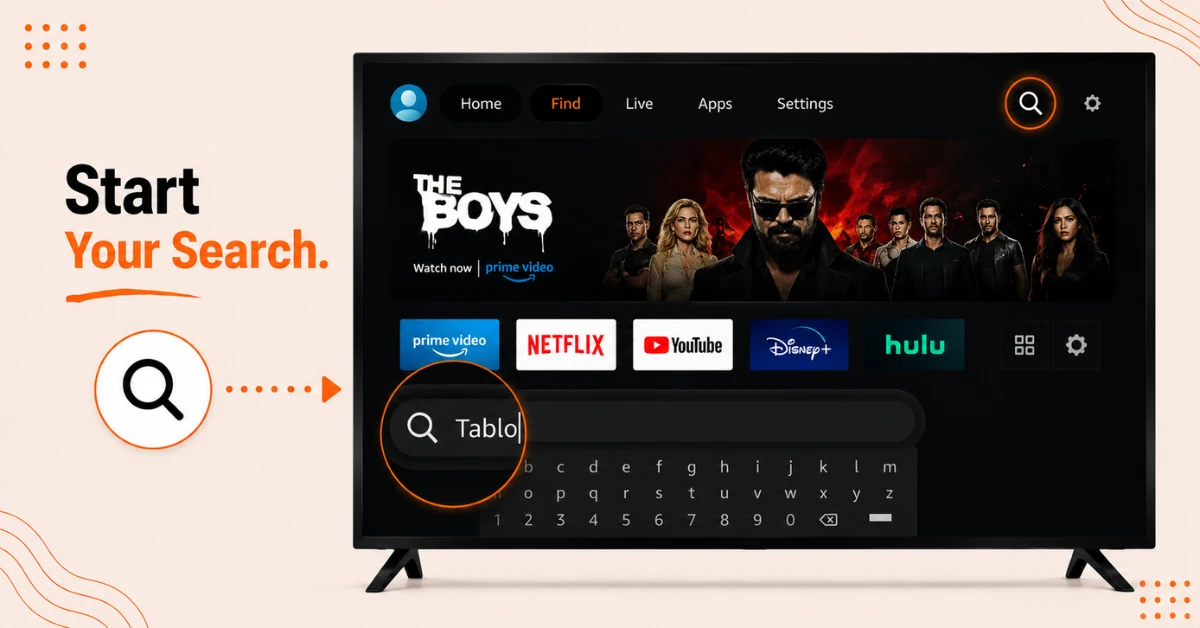
Find and Download the Tablo App
-
On your Firestick home screen, find the magnifying glass icon and select Search
-
Type TABLO TV using the on screen keyboard, or just press the voice button on your remote and say Tablo
-
Select Tablo for Amazon Fire TV from the results and click Get to download it
Step 02
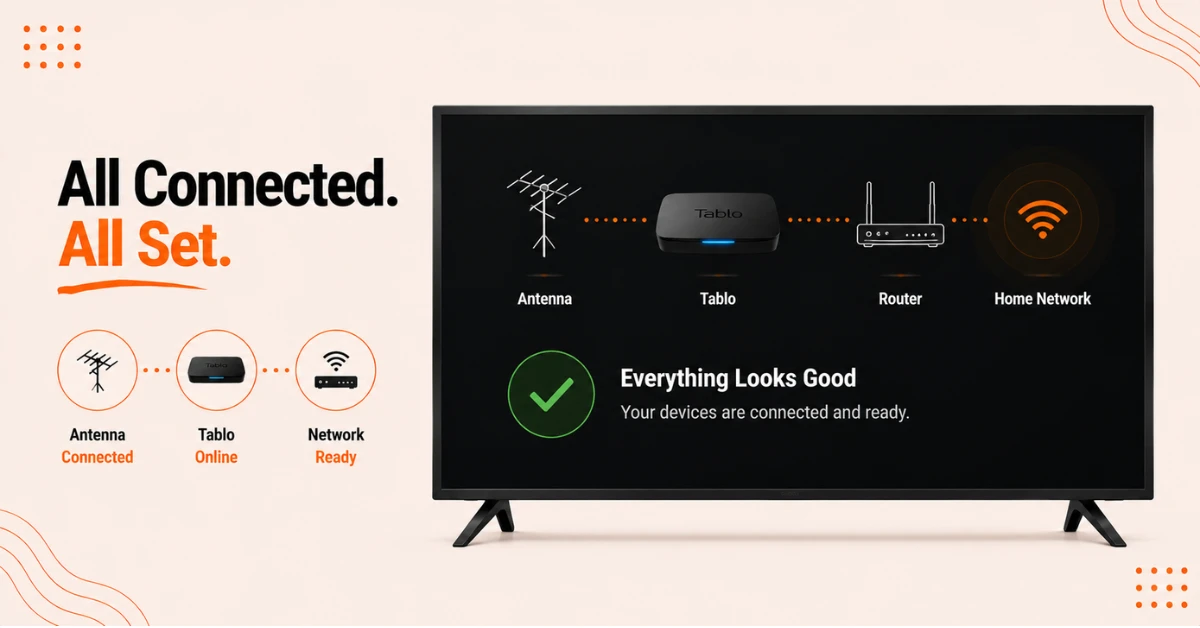
Connect Your Tablo Device to Your Network
-
Make sure your Tablo unit is connected to your home WiFi router via Ethernet, since setup over WiFi alone is not supported
-
Confirm your TV antenna is securely attached to the Tablo's coaxial port
-
Your Firestick should be connected to the same home network as the Tablo device
Get Proton VPN — 20% Off
Step 03
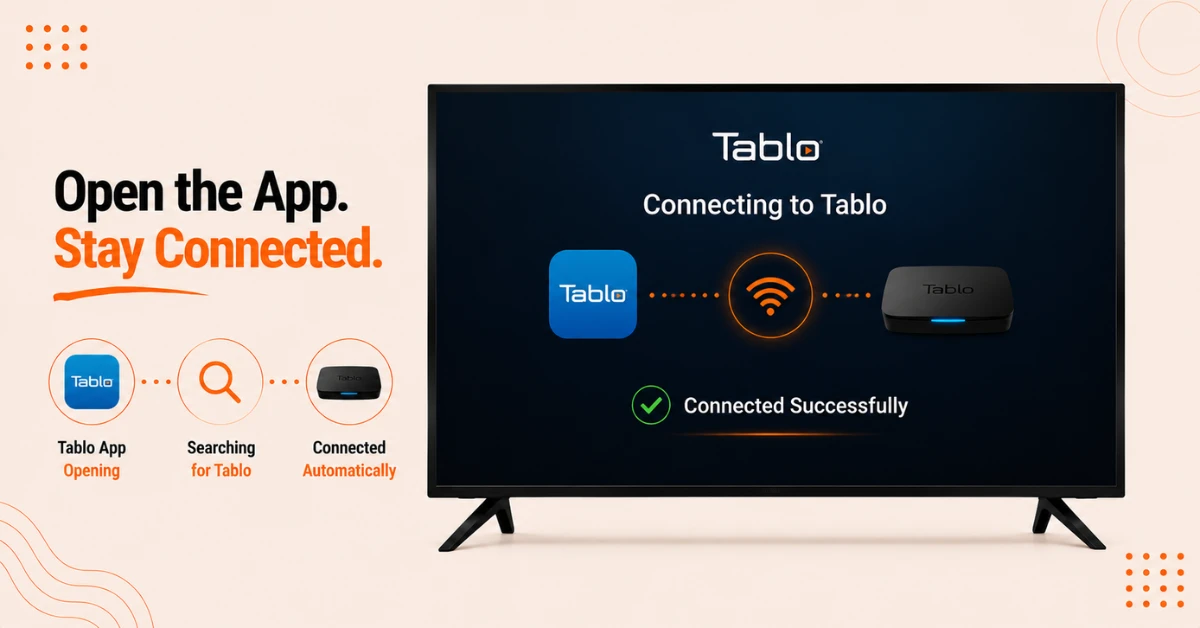
Open the App and Let It Connect
-
Open the Tablo app once installation is completed
-
The app will automatically search for and connect to your Tablo device on the network
-
No manual pairing or extra setup is needed at this stage
Step 04
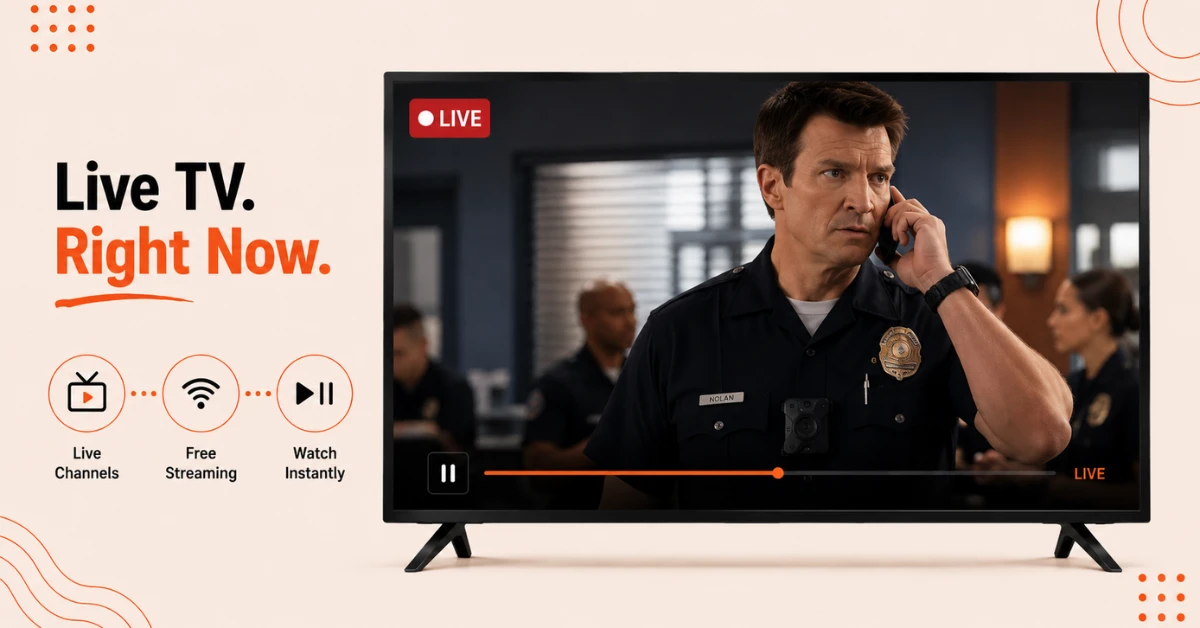
Start Streaming Live TV
-
Browse the live TV grid guide to see what is on now and over the next two weeks
-
Explore free internet streaming channels alongside your local antenna channels
-
Select any show and press play to start watching, with full pause, rewind, and fast forward controls
Quick Comparison
Side-by-side comparison of top Fire Stick VPNs
| VPN | Price | Servers | Speed | Devices | Rating | Actions |
|---|---|---|---|---|---|---|
|
Proton VPN
|
$3.99/mo | 14,999+ | Blazing Fast | 7 | 4.8 | Get Deal |
 EXPRESS VPN
|
$2.79/mo | 3,000+ | Blazing Fast | 8 | 5 | Get Deal |
 NordVPN
|
$4.39/mo | 6,998+ | Blazing Fast | 8 | 4.8 | Get Deal |
|
|
$1.88/mo | 3,200+ | Blazing Fast | 8 | 4.7 | Get Deal |
 PrivadoVPN
|
$1.99/mo | — | Blazing Fast | 5 | 4 | Get Deal |
 Pure VPN
|
$3.55/mo | — | Blazing Fast | 6 | 4 | Get Deal |
Frequently Asked Questions
Do I need a Tablo device to use the Tablo TV app on Firestick?
Yes, you need a physical Tablo DVR connected to a TV antenna, since the app only displays content from your Tablo and its integrated free streaming channels.
Is the Tablo app on Firestick compatible with older Fire TV Stick models?
No, 1st and 2nd generation Fire TV sticks are not compatible, and older models that do allow downloading may lack enough processing power for a good experience.
Is Tablo a good replacement for the Amazon Fire TV Recast on the Tablo app?
Yes, Tablo is considered an excellent alternative to the discontinued Amazon Fire TV Recast, and you can reuse the same antenna, network connection, and Fire TV device.
Can I integrate other streaming services into the Tablo Fire TV app?
No, the app only shows content from your TV antenna and the free streaming channels built into the Tablo device.
Why isn't Tablo TV installing on my Firestick?
Check that your Firestick model is compatible, since 1st and 2nd generation Fire TV sticks and devices running Vega OS are not supported.
What channels can I get with Tablo TV on Firestick?
You get major broadcast networks like ABC, CBS, NBC, FOX, PBS, and the CW through a TV antenna, plus over 100 free internet streaming channels.