How to Run Internet Speed Test on Firestick ? Easy Guide
Editor's Choice
#1 Pick
Editor's Choice
 EXPRESS VPN
$2.79/month
Save 20%
Blazing Fast
3,000+
214
8
Step by Step Instructions
Step 01

Open the Amazon App Store
From your Firestick home screen, navigate to the “Find” or search icon and open the Amazon App Store.
Step 02

Search for ExpressVPN
Type “ExpressVPN” in the search bar using your remote. Select the official ExpressVPN app from the results.
Step 03

Download & Install the App
Click on the “Download” or “Get” button to install the app on your Firestick. Wait for the installation to complete.
Step 04

Sign In & Connect
Open the app, sign in with your ExpressVPN account, and tap the power button to connect to a server.
How to Run Internet Speed Test on Firestick?
A simple guide to checking your internet speed on Firestick
Step 01
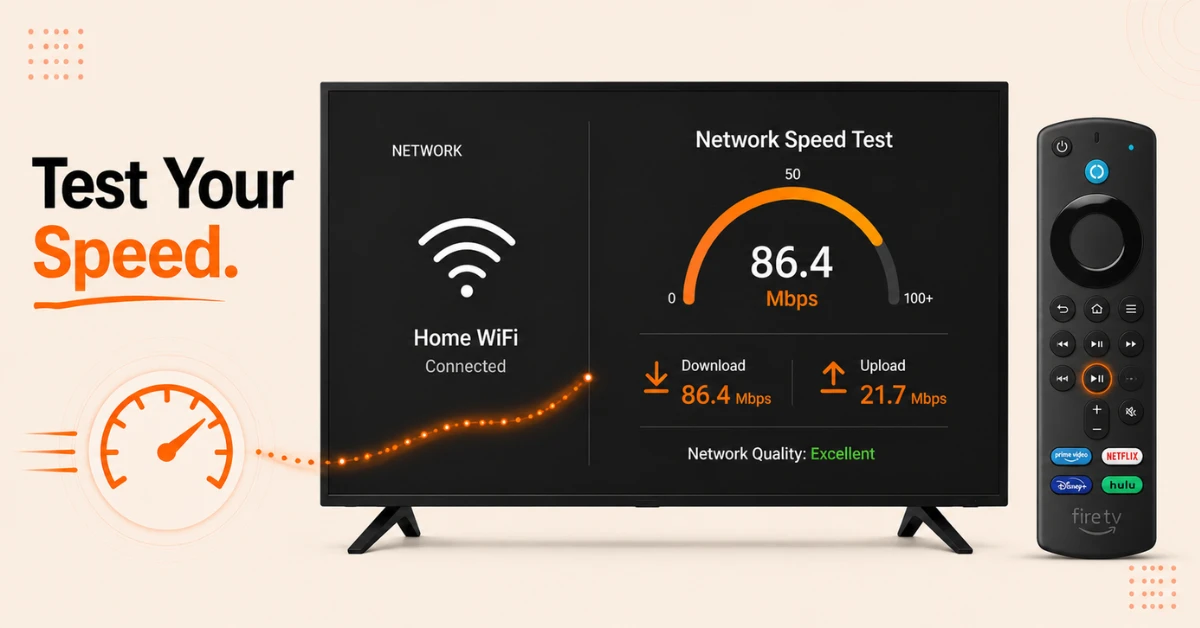
Use the Built In Network Speed Test
-
Go to Settings, select Network, and highlight your connected WiFi network
-
Press the Play Pause button on your remote to open Advanced Settings
-
Your current download speed and network quality will be displayed on screen
Step 02
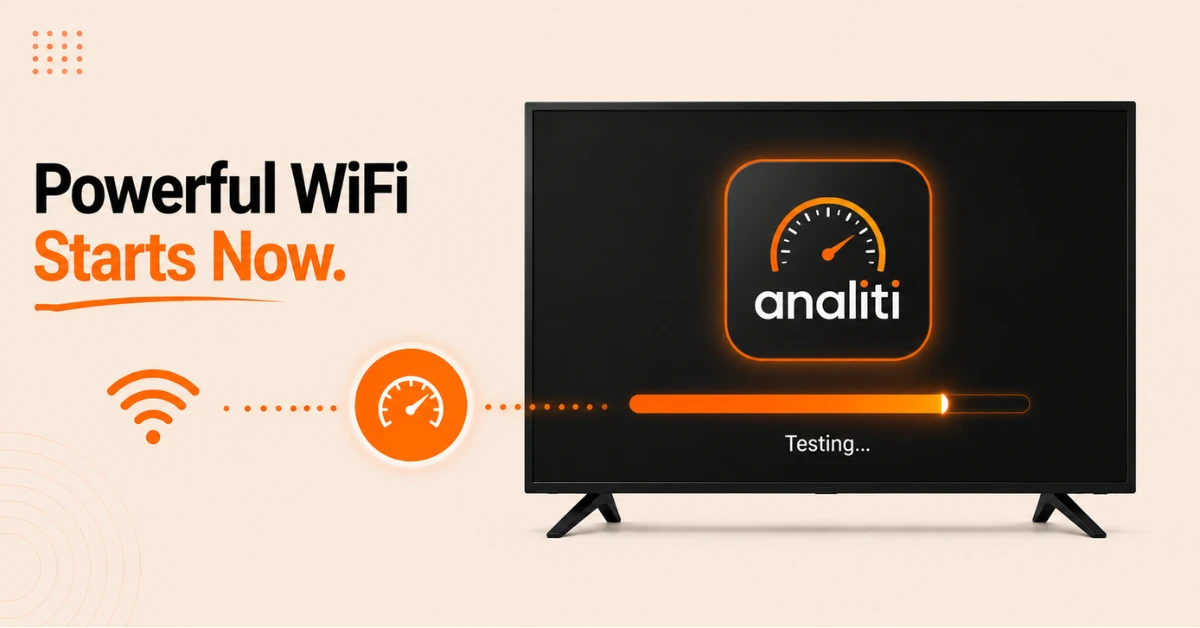
Download and Run the Analiti App
-
Go to Find, search Analiti, and select Analiti Speed Test WiFi Analyzer from the results
-
Click Get to download and install it from the Amazon Appstore
-
Open the app and it will automatically begin testing your download and upload speeds
Get EXPRESS VPN — 20% Off
Step 03
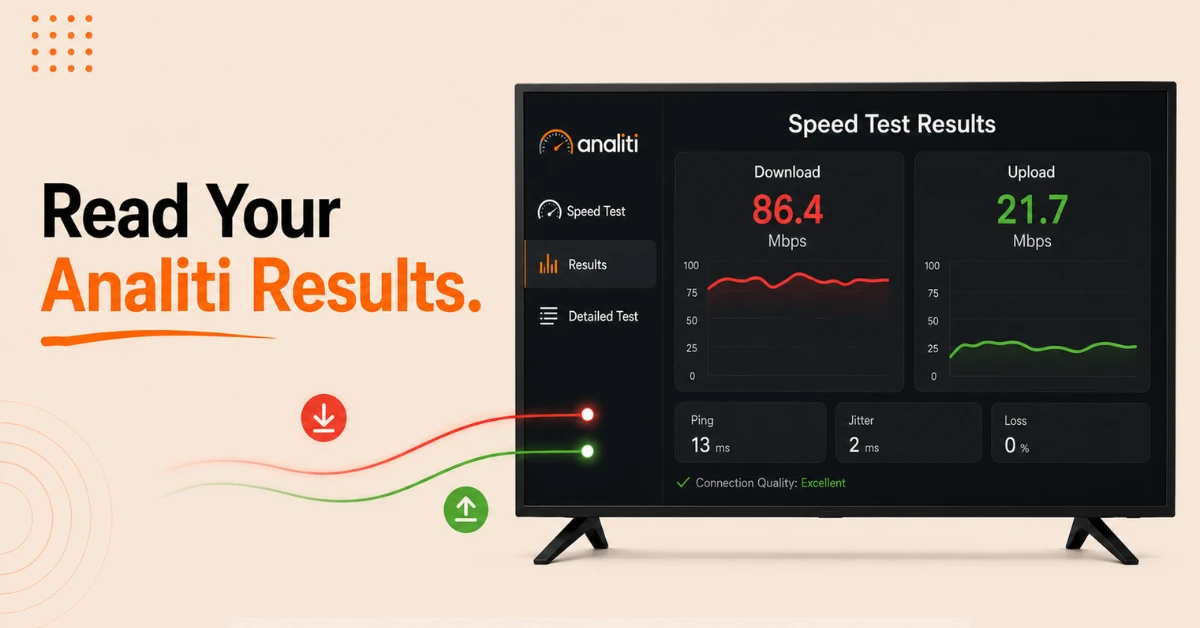
Read Your Analiti Speed Test Results
-
The red line on the results chart represents your download speed
-
The green line represents your upload speed
-
Select the Detailed Test option in the left menu for a more in depth breakdown of your connection
Step 04
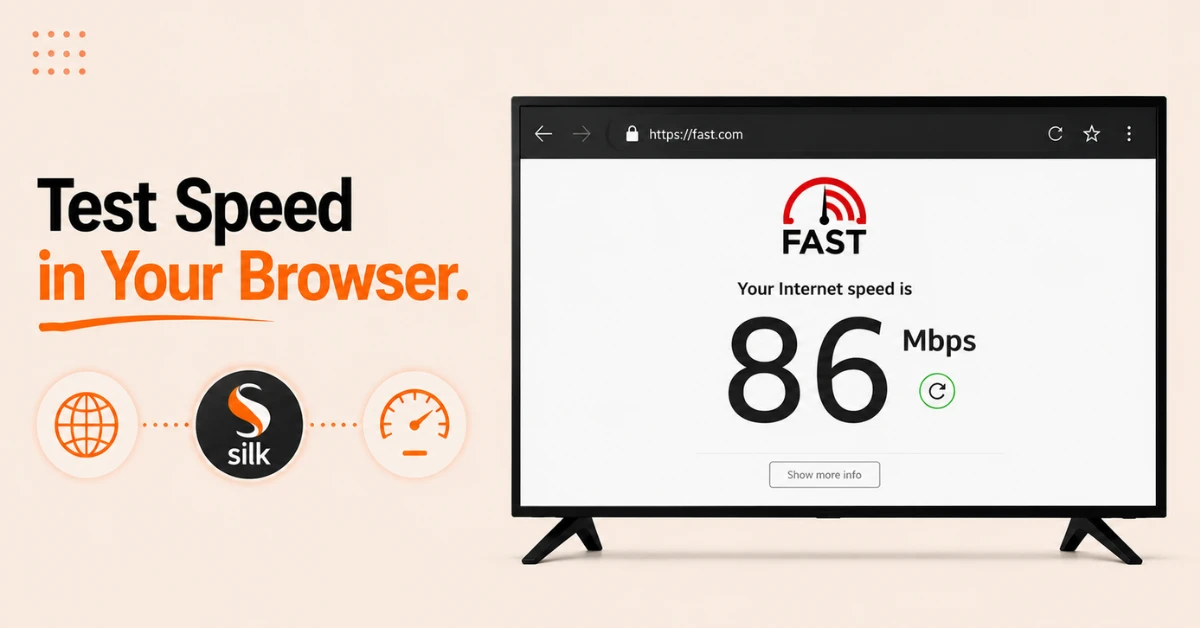
Alternatively Test Speed Through the Silk Browser
-
Open the Silk Browser on your Firestick and go to fast.com or speedtest.net
-
The speed test will begin automatically and display your download speed within seconds
-
This method requires no extra app download and gives you a quick result without detailed analytics
Quick Comparison
Side-by-side comparison of top Fire Stick VPNs
| VPN | Price | Servers | Speed | Devices | Rating | Actions |
|---|---|---|---|---|---|---|
|
EXPRESS VPN
|
$2.79/mo | 3,000+ | Blazing Fast | 8 | 5 | Get Deal |
 NordVPN
|
$4.39/mo | 6,998+ | Blazing Fast | 8 | 4.8 | Get Deal |
 Proton VPN
|
$3.99/mo | 14,999+ | Blazing Fast | 7 | 4.8 | Get Deal |
|
|
$1.88/mo | 3,200+ | Blazing Fast | 8 | 4.7 | Get Deal |
 IPVanish
|
$2.49/mo | 3,100+ | Blazing Fast | 6 | 4 | Get Deal |
 Pure VPN
|
$3.55/mo | — | Blazing Fast | 6 | 4 | Get Deal |
Frequently Asked Questions
What is a good speed test result on Firestick?
You need at least 5 Mbps for standard definition streaming, 15 Mbps for 1080p HD, and 25 Mbps or above for smooth 4K streaming on Firestick. If your speed test result is below these figures you may experience buffering or reduced video quality.
Is there a built in speed test on Firestick?
Yes, Firestick has a basic built in speed test under Settings then Network. Highlight your WiFi connection and press the Play Pause button on your remote to view your current download speed and network quality without downloading any additional app.
What is the best speed test app for Firestick?
Analiti Speed Test WiFi Analyzer is widely considered the best speed test app for Firestick as it provides detailed download and upload speed results alongside a visual chart and network diagnostics. It is available for free on the Amazon Appstore.
Is the Analiti Fire TV speed test app free?
Yes, the Analiti Fire TV speed test app is free to download and use from the Amazon Appstore. It provides detailed speed test results and WiFi analytics at no cost making it one of the best free network tools available for Fire TV devices.
Can I do a Firestick internet speed test without downloading an app?
Yes, you can do a Firestick internet speed test without downloading an app in two ways. Use the built in network speed check under Settings then Network, or open the Silk Browser and visit fast.com or speedtest.net for an instant browser based result.
Will testing WiFi speed on Firestick slow down my streaming?
Running a speed test on Firestick uses your internet connection briefly during the test. It is best to close all streaming apps before running the test to ensure the results reflect your full available bandwidth rather than a shared connection.
Why is my Firestick internet speed test showing low speeds?
Low results on a Firestick internet speed test are usually caused by a weak WiFi signal, network congestion, or too many devices sharing the same connection. Try moving your router closer to your Firestick or switching to a 5 GHz network for better speeds.