How to Set Up Firestick for the First Time (Step-by-Step)
Editor's Choice
#1 Pick
Editor's Choice
 Surfshark
$1.88/month
Save 20%
Blazing Fast
3,200+
214
8
Step by Step Instructions
Step 01

Open Search on Fire TV
From your Fire TV home screen, go to the Find (Search) option.
Step 02

Search for Surfshark
Type Surfshark using your remote and select the app from the results.
Step 03

Install the App
Click on Download or Get to install Surfshark on your device.
Step 04

Sign In & Start VPN
Open the app, log in to your account, and connect to a server to start using the VPN.
How to set up Firestick?
Step by step instructions for first time Firestick setup. Takes about 10 minutes.
Step 01
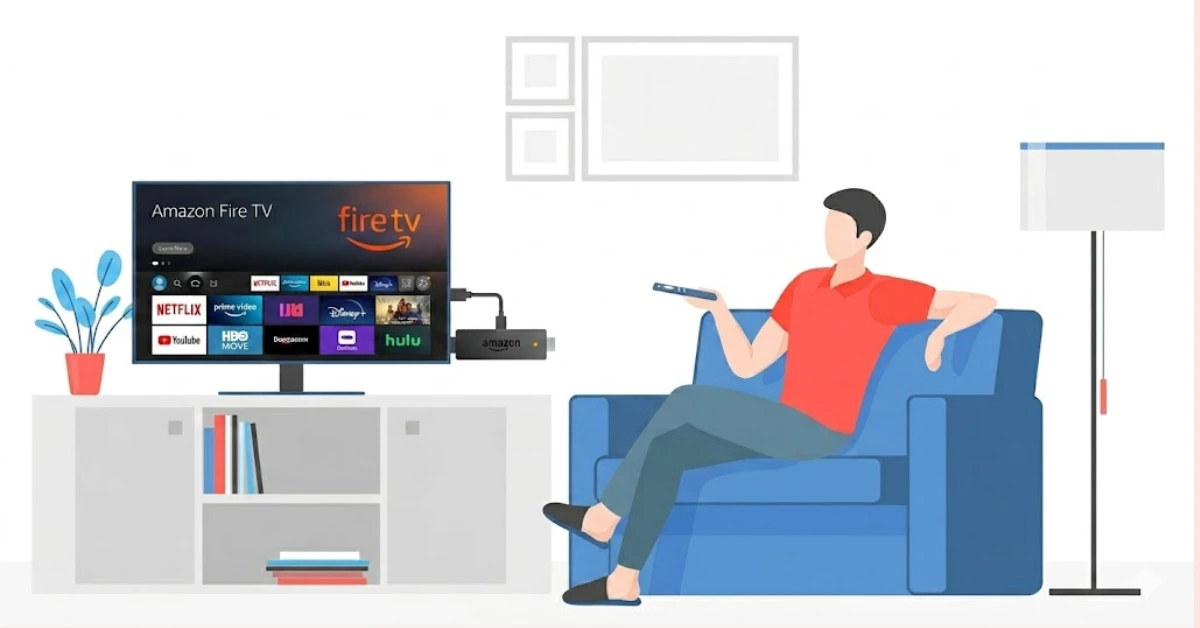
Plug In & Power Up Your Firestick
-
Connect your Amazon Fire Stick to your TV's HDMI port using the extender if needed.
-
Plug the USB power cable into the adapter and connect it to a power outlet.
-
Switch your TV input to the correct HDMI channel to begin the fire tv stick setup.
Step 02
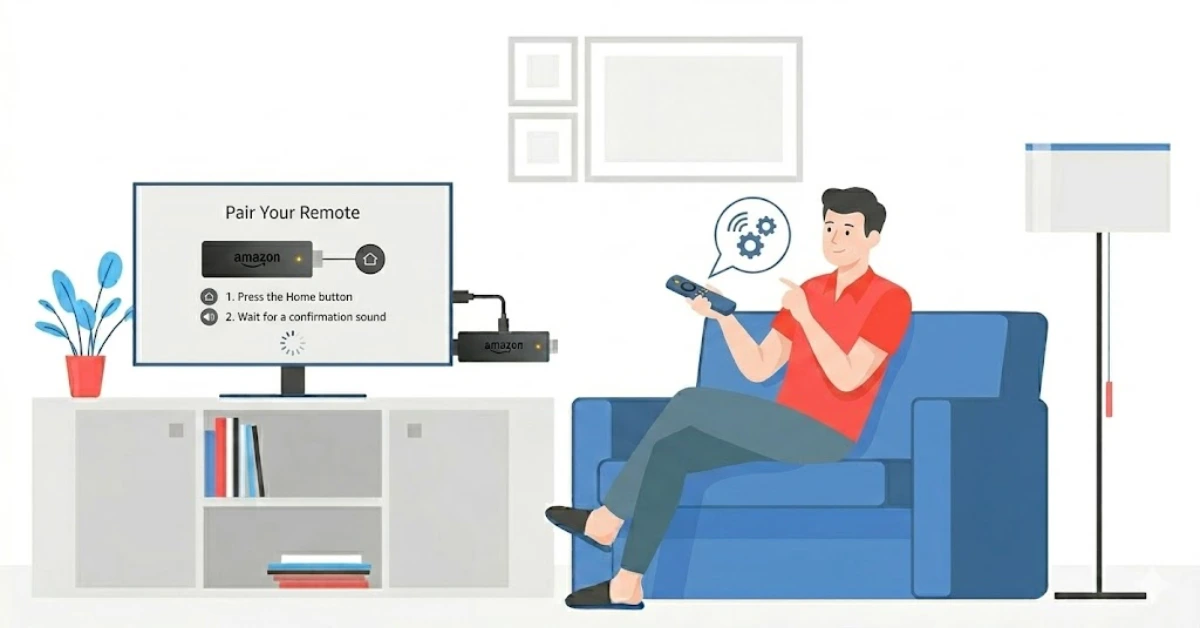
Pair the Remote & Select Language
-
Insert the batteries into your Firestick remote; it should auto-pair within seconds.
-
If it doesn't pair, hold the Home button for 10 seconds to manually connect.
-
Select your preferred language to proceed with the firestick beginner setup.
Get Surfshark — 20% Off
Step 03
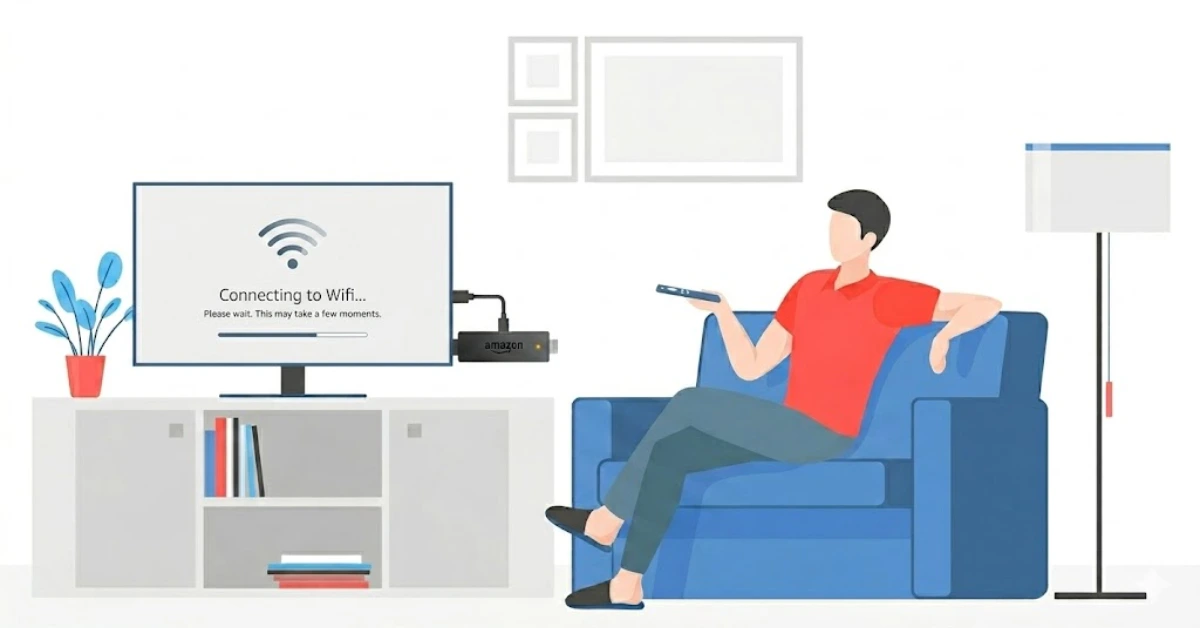
Connect to Wi-Fi
-
Choose your Wi-Fi network from the list of available connections.
-
Enter your Wi-Fi password carefully and tap "Connect."
-
Wait for the amazon fire stick installation to download the latest software update automatically.
Step 04
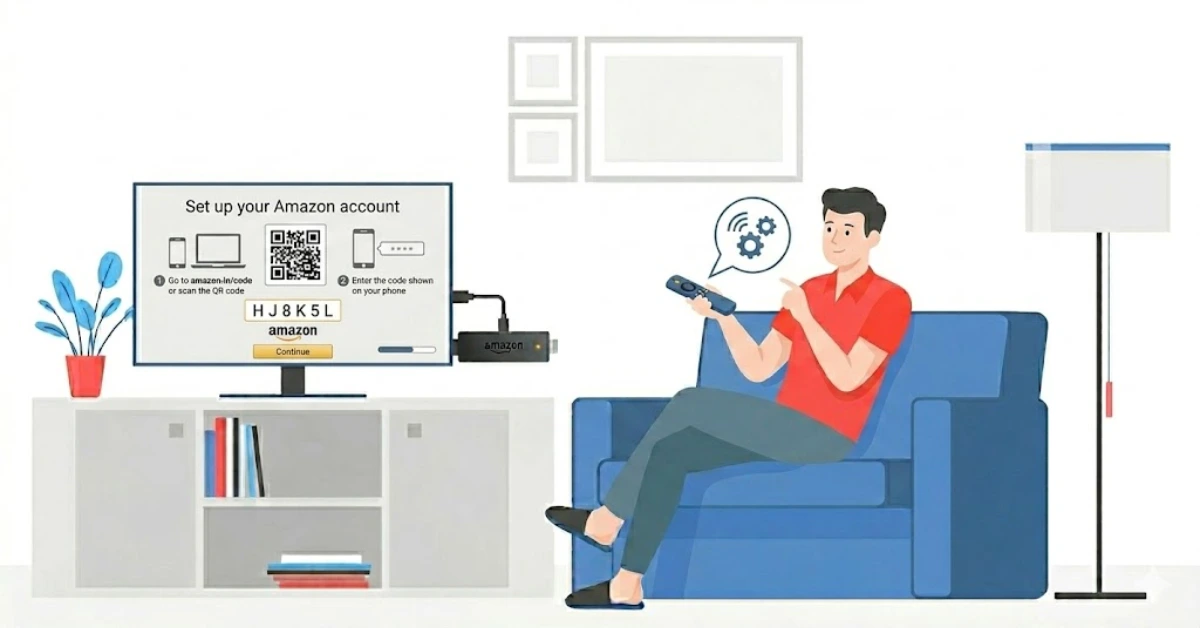
Sign In to Your Amazon Account
-
Select "Sign In" and enter your Amazon account email and password.
-
If you bought the Firestick linked to your account, tap "Use this Amazon account" to skip manual entry.
-
Review and confirm your account details to activate your device.
Get Surfshark — 20% Off
Step 05
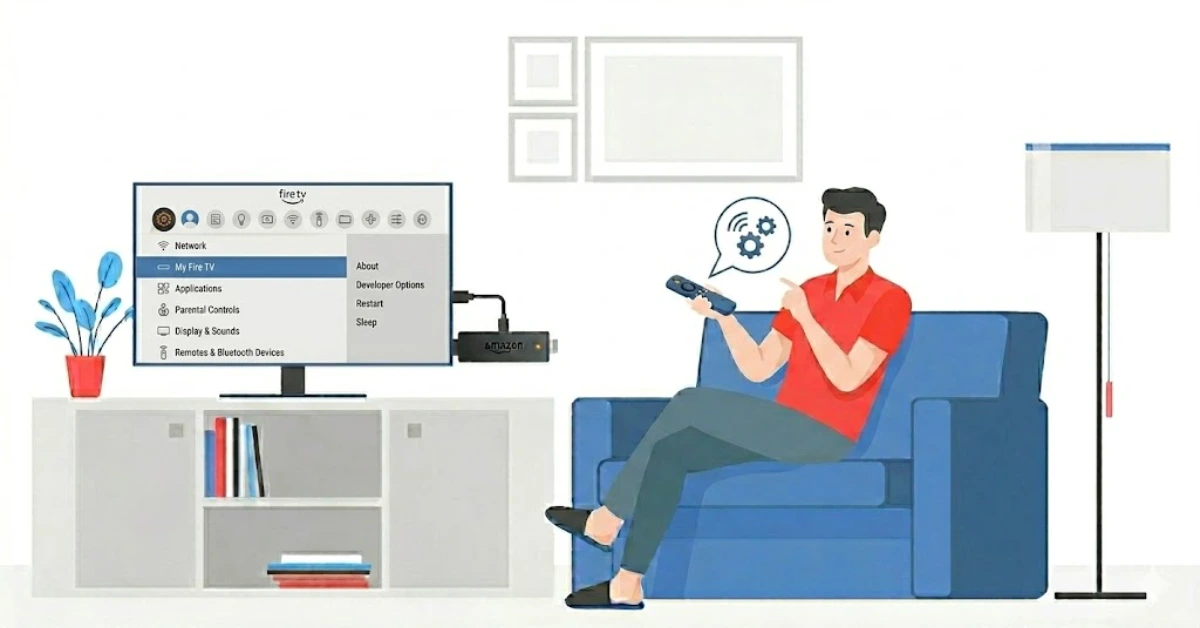
Customize Your Firestick Settings
-
Choose whether to enable parental controls and set a PIN if needed.
-
Select your preferred apps and streaming services to install during the firestick setup guide.
-
Toggle on or off data monitoring, notifications, and Alexa preferences based on your needs.
Step 06
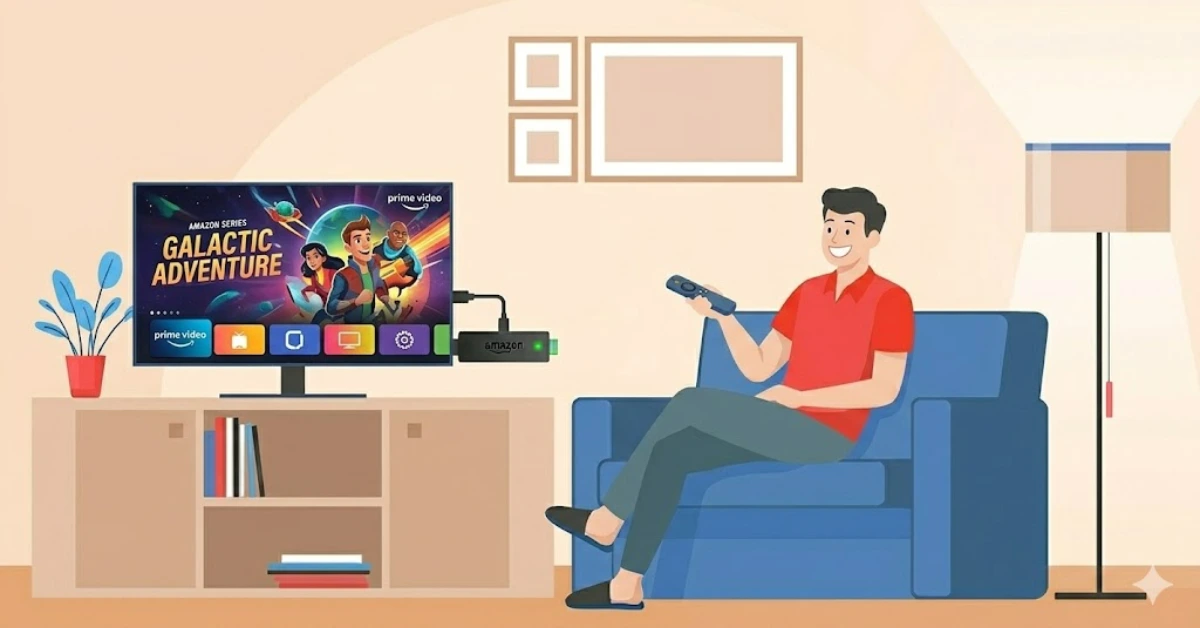
Start Streaming
-
Once setup is complete, you'll land on the Fire TV home screen. Your setup firestick on tv process is done!
-
Browse the App Store to install additional apps like Netflix, Disney+, or YouTube.
-
Press the Alexa button on your remote and say a show name to instantly start streaming.
Quick Comparison
Side-by-side comparison of top Fire Stick VPNs
| VPN | Price | Servers | Speed | Devices | Rating | Actions |
|---|---|---|---|---|---|---|
|
|
$1.88/mo | 3,200+ | Blazing Fast | 8 | 4.7 | Get Deal |
 EXPRESS VPN
|
$2.79/mo | 3,000+ | Blazing Fast | 8 | 5 | Get Deal |
 Proton VPN
|
$3.99/mo | 14,999+ | Blazing Fast | 7 | 4.8 | Get Deal |
 Pure VPN
|
$3.55/mo | — | Blazing Fast | 6 | 4 | Get Deal |
 NordVPN
|
$4.39/mo | 6,998+ | Blazing Fast | 8 | 4.8 | Get Deal |
Frequently Asked Questions
How do I set up a Firestick for the first time?
Plug your Firestick into your TV's HDMI port, connect it to power, and follow the on-screen prompts to complete the first time firestick setup, including Wi-Fi connection and Amazon account sign-in.
Do I need an Amazon account for Firestick setup?
Yes, a valid Amazon account is required to complete the firestick setup and access apps, content, and the Alexa voice assistant.
Can I set up Amazon Fire Stick without Wi-Fi?
No, an active Wi-Fi connection is essential to set up the Amazon Fire Stick, download updates, and access streaming services.
How long does a firestick beginner setup take?
A typical firestick beginner setup takes around 5 to 10 minutes, depending on your internet speed and software update size.
Why is my Fire TV Stick not showing on my TV?
Make sure your TV is set to the correct HDMI input channel where your Fire TV Stick is plugged in. Try re-inserting the stick or using the HDMI extender for a better signal.
How do I set up Firestick on TV without the remote?
You can use the Amazon Fire TV app on your smartphone as a remote to navigate and complete the setup Firestick on TV.
What do I do after Amazon Fire Stick installation is complete?
After your Amazon Fire Stick installation is done, head to the App Store, install your favourite streaming apps, sign in to them, and you're ready to stream!