How to Stop Amazon Tracking What You Watch on Firestick?
 EXPRESS VPN
Step by Step Instructions

Open the Amazon App Store
From your Firestick home screen, navigate to the “Find” or search icon and open the Amazon App Store.

Search for ExpressVPN
Type “ExpressVPN” in the search bar using your remote. Select the official ExpressVPN app from the results.

Download & Install the App
Click on the “Download” or “Get” button to install the app on your Firestick. Wait for the installation to complete.

Sign In & Connect
Open the app, sign in with your ExpressVPN account, and tap the power button to connect to a server.
How to Stop Amazon Tracking What You Watch on Firestick?
Step by step instructions to stop amazon tracking your watchlist. Takes about 10 minutes.
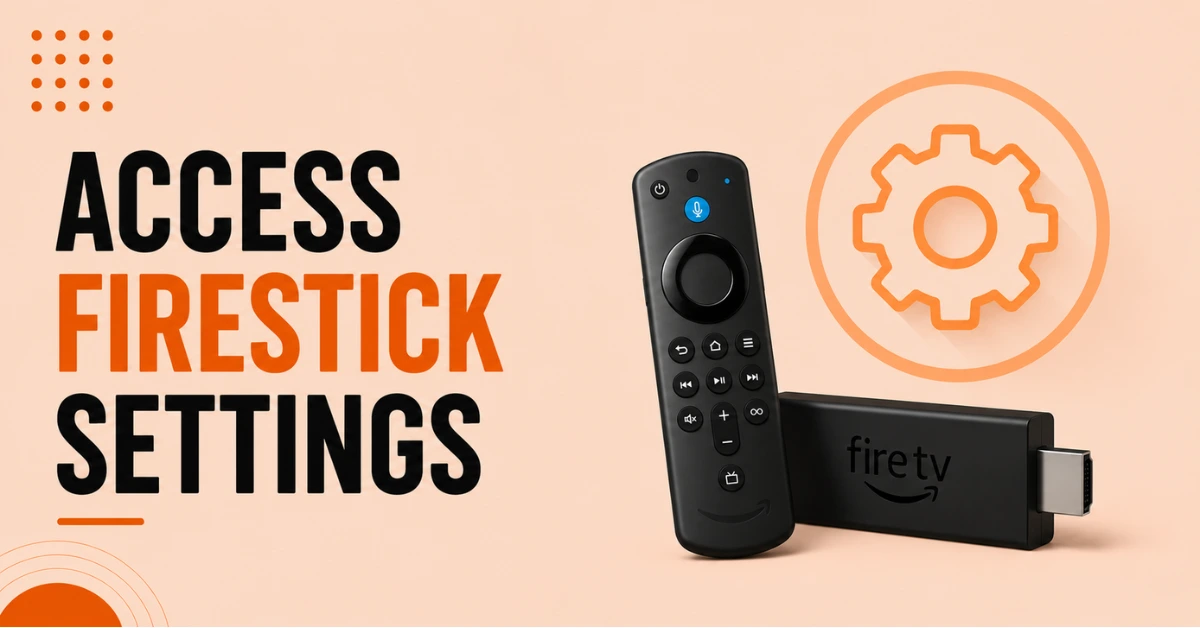
Open Firestick Settings
-
Go to the Fire Stick home screen and open settings menu
-
Navigate using remote to access device settings option
-
Ensure device is on main home interface screen
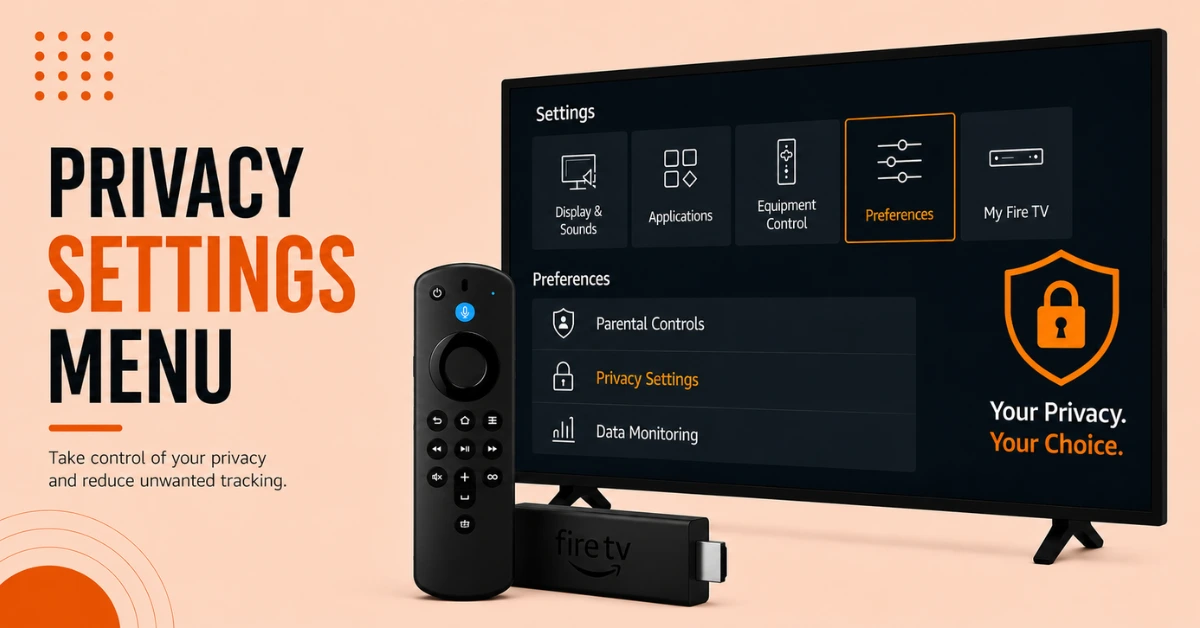
Access Privacy Settings
-
Select "Preferences" from available Stick settings options
-
Open the privacy settings section from preferences menu
-
View tracking and data collection controls available
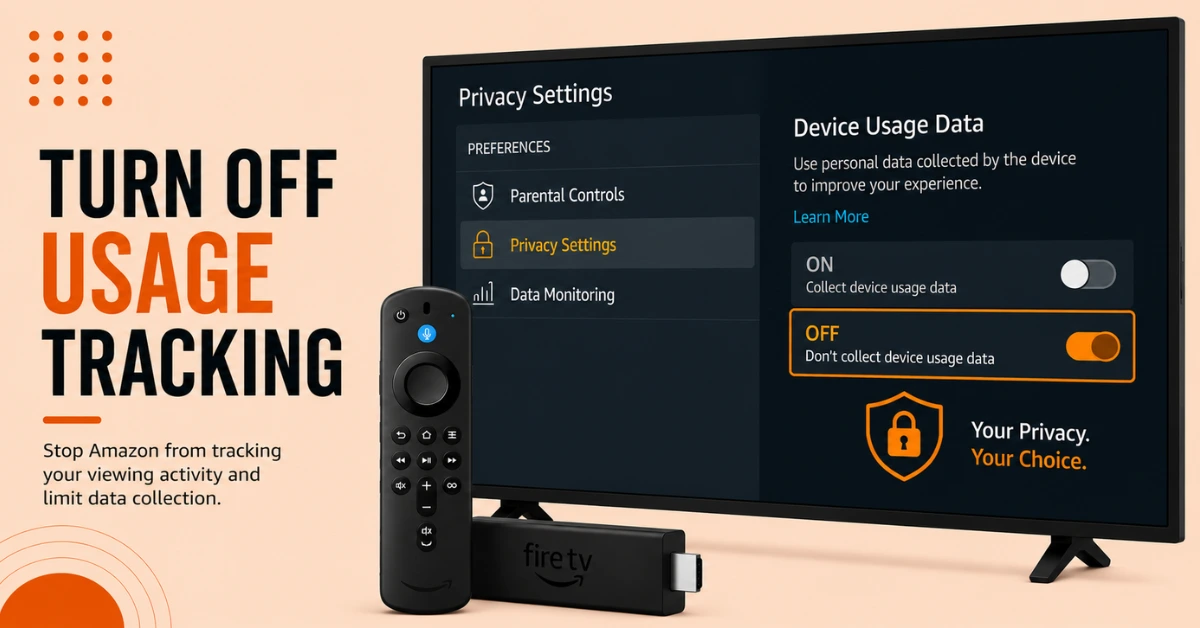
Disable Device Usage Data
-
Turn off device usage data collection feature
-
Prevent Amazon from tracking viewing activity automatically
-
Limit Sharing of app and streaming information
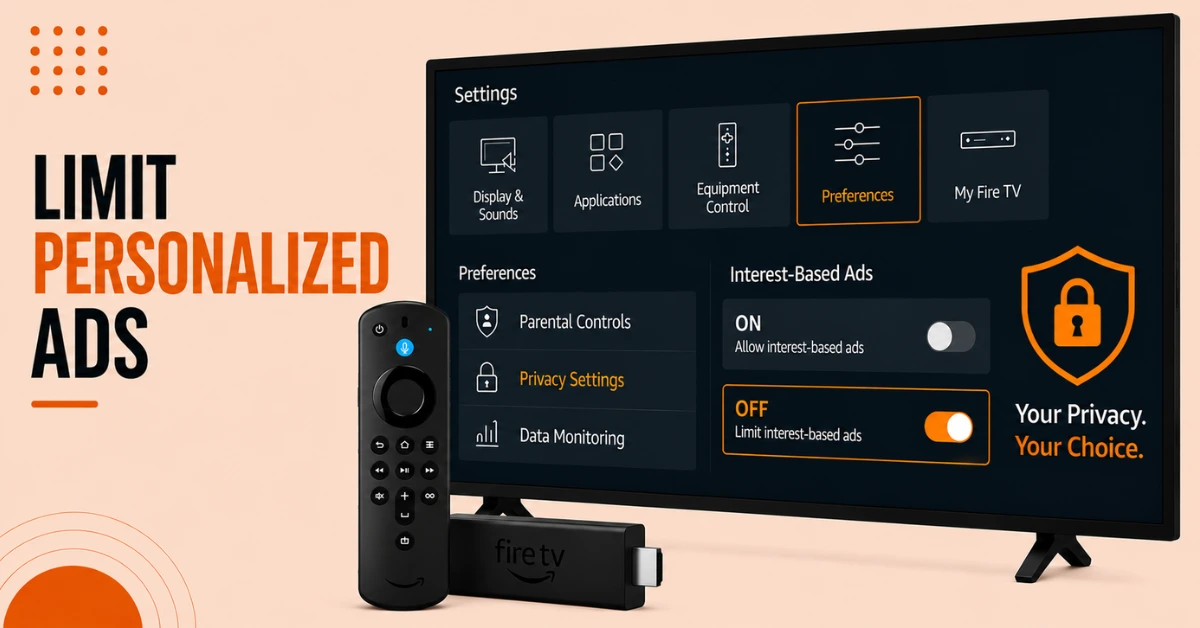
Turn Off Interest-Based Ads
-
Disable interest-based ads from privacy settings section
-
Reduce personalized recommendations and targeted advertisements shown
-
Improve privacy while browsing streaming applications regularly
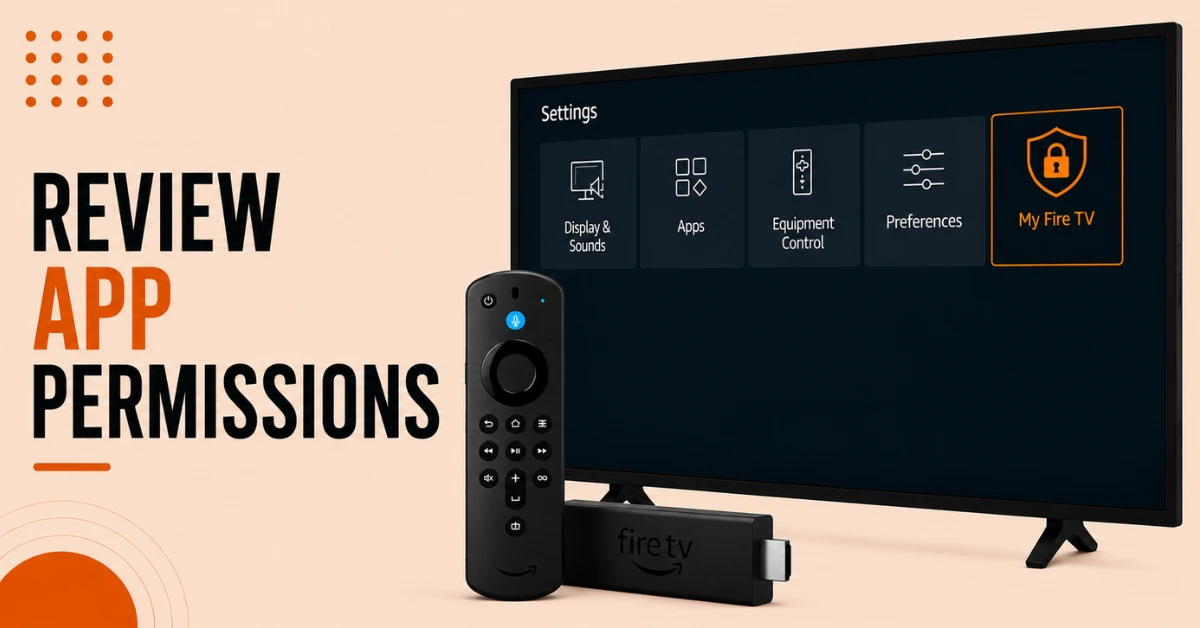
Manage App Permission
-
Review permission granted to installed Fire Stick applications carefully
-
Disable unnecessary access to microphone or location services
-
Allow only trusted applications with required permission enabled
Quick Comparison
Side-by-side comparison of top Fire Stick VPNs
| VPN | Price | Servers | Speed | Devices | Rating | Actions |
|---|---|---|---|---|---|---|
|
EXPRESS VPN
|
$2.79/mo | 3,000+ | Blazing Fast | 8 | 5 | Get Deal |
 NordVPN
|
$4.39/mo | 6,998+ | Blazing Fast | 8 | 4.8 | Get Deal |
 IPVanish
|
$2.49/mo | 3,100+ | Blazing Fast | 6 | 4 | Get Deal |
 Pure VPN
|
$3.55/mo | — | Blazing Fast | 6 | 4 | Get Deal |
|
|
$1.88/mo | 3,200+ | Blazing Fast | 8 | 4.7 | Get Deal |
Frequently Asked Questions
Yes, Amazon may collect viewing and app usage information.
You can reduce most tracking through privacy and advertising settings.
It may include app usage, viewing activity, and device performance information.
Yes, they may use viewing activity for personalized recommendations and ads.
No, disabling tracking usually does not affect device performance.
Yes, a VPN can improve online privacy and secure internet activity.