How to Turn Off Interest-Based Ads on Firestick
Editor's Choice
#1 Pick
Editor's Choice
 NordVPN
$4.39/month
Save 20%
Blazing Fast
6,998+
214
8
Step by Step Instructions
Step 01

Go to Search on Fire TV
On your Fire TV home screen, select the Search (Find) option at the top.
Step 02

Type “NordVPN”
Use your remote to type NordVPN and choose the app when it appears in the results.
Step 03

Install the App
Click on Get or Download to install NordVPN on your Fire TV.
Step 04

Log In & Connect
Open the app, sign in to your account, and press the connect button to start using the VPN.
How to turn off interest based ads on Firestick?
Quick steps to protect your ad privacy. Takes about 3 minutes.
Step 01
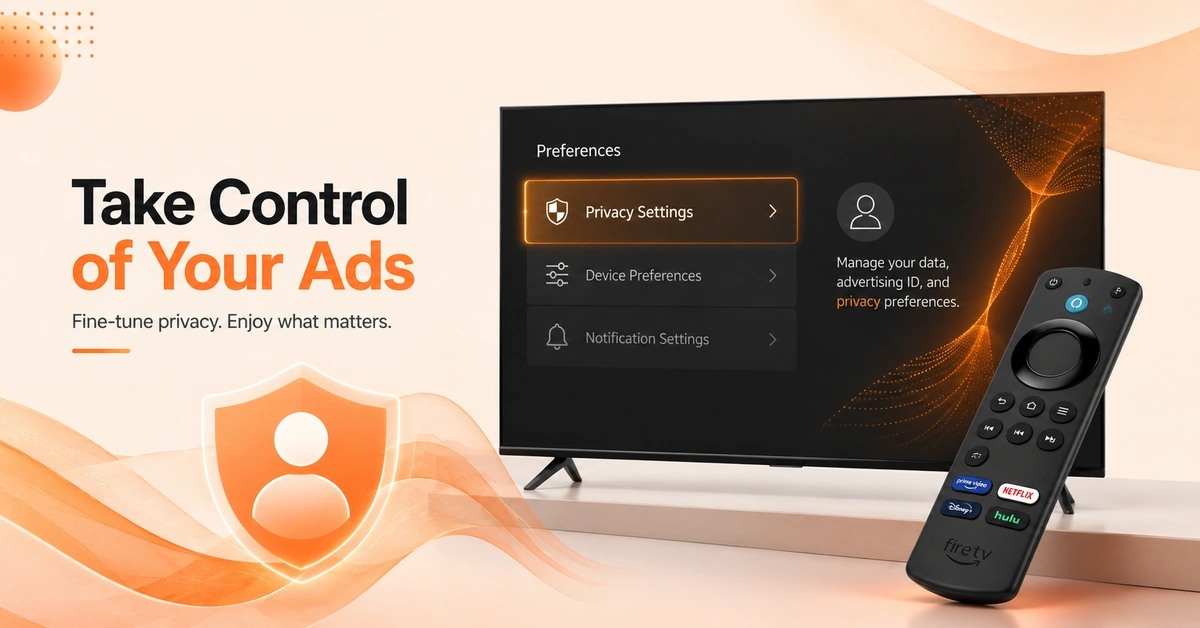
Access Firestick Advertising ID Controls
-
Go to Settings from your Fire TV home screen.
-
Select Preferences from the available settings menu options.
-
Look for Privacy Settings inside the Preferences section.
Step 02
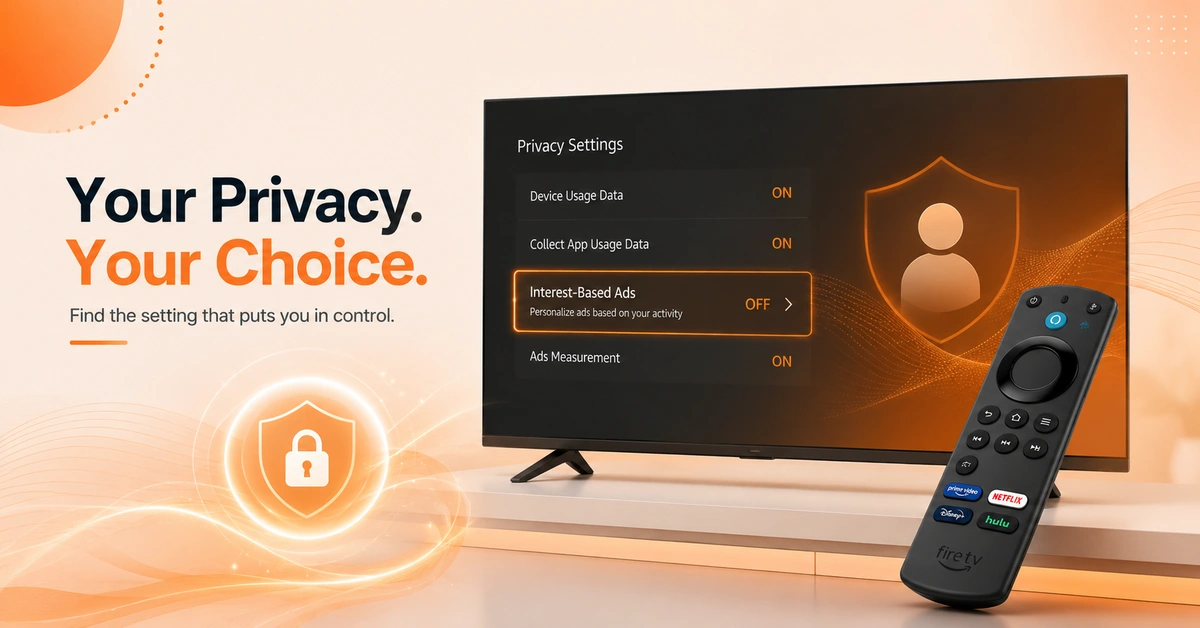
Locate Fire TV Ad Privacy Settings
-
Select Privacy Settings from the Preferences menu screen.
-
Look for the Interest-Based Ads option listed here.
-
This controls how your data is used for advertising.
Get NordVPN — 20% Off
Step 03
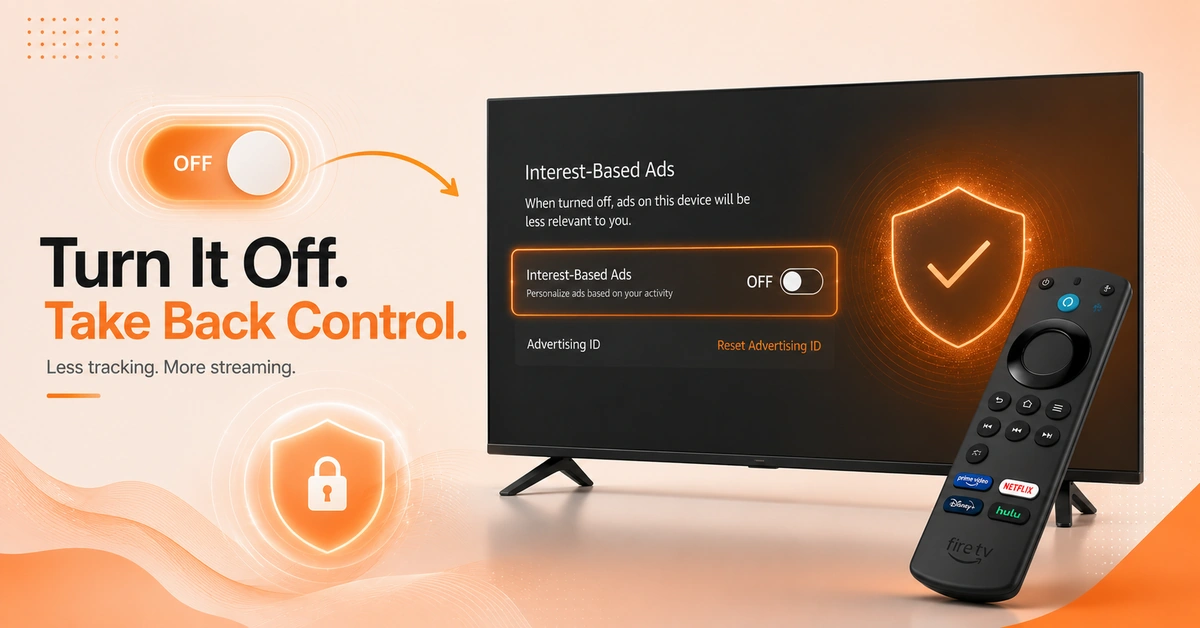
Disable Interest-Based Ads
-
Toggle Interest-Based Ads to the Off position directly.
-
Confirm the change if a popup notification appears.
-
This resets your advertising ID and limits ad tracking.
Step 04
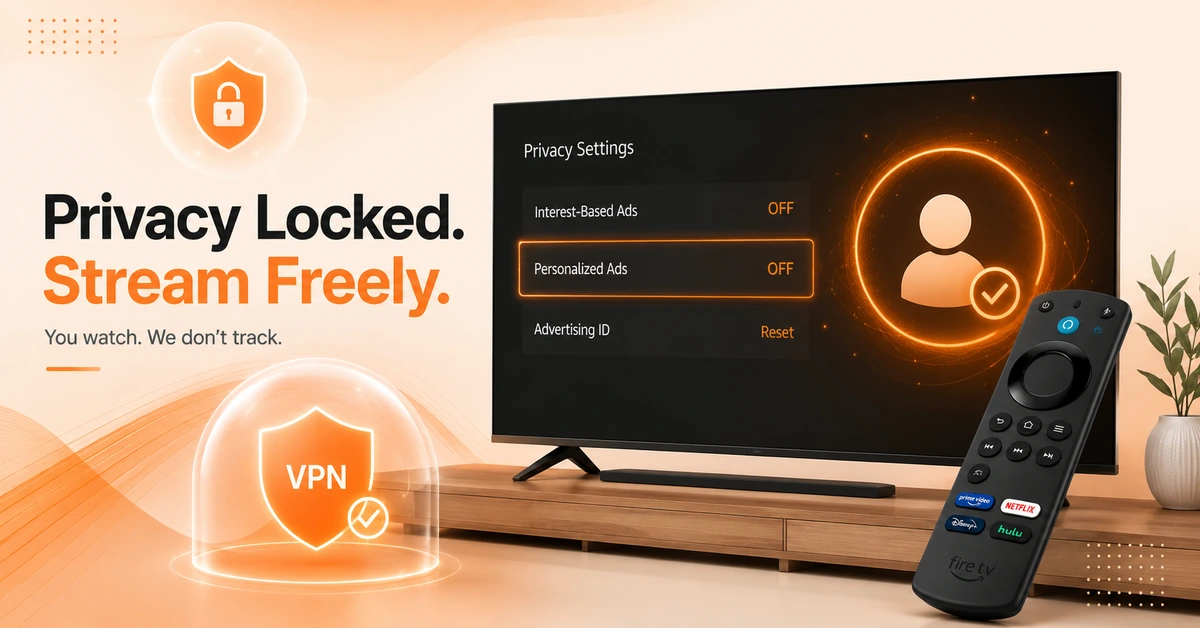
Disable Personalized Ads Fire TV Permanently
-
Return to the Privacy Settings menu to confirm changes.
-
Repeat this process after any major software update.
-
Consider a VPN for extra privacy while streaming.
Quick Comparison
Side-by-side comparison of top Fire Stick VPNs
| VPN | Price | Servers | Speed | Devices | Rating | Actions |
|---|---|---|---|---|---|---|
|
NordVPN
|
$4.39/mo | 6,998+ | Blazing Fast | 8 | 4.8 | Get Deal |
|
|
$1.88/mo | 3,200+ | Blazing Fast | 8 | 4.7 | Get Deal |
 Proton VPN
|
$3.99/mo | 14,999+ | Blazing Fast | 7 | 4.8 | Get Deal |
 IPVanish
|
$2.49/mo | 3,100+ | Blazing Fast | 6 | 4 | Get Deal |
 Cyberghost vpn
|
$12.99/mo | 9,700+ | Fast | 6 | 4.2 | Get Deal |
 PrivadoVPN
|
$1.99/mo | — | Blazing Fast | 5 | 4 | Get Deal |
 Private Internet Access
|
$11.95/mo | 35,000+ | Blazing Fast | 8 | 4 | Get Deal |
 Pure VPN
|
$3.55/mo | — | Blazing Fast | 6 | 4 | Get Deal |
 EXPRESS VPN
|
$2.79/mo | 3,000+ | Blazing Fast | 8 | 5 | Get Deal |
Frequently Asked Questions
How do I turn off interest based ads on Firestick?
Go to Settings, then Preferences, then Privacy Settings on your Fire TV. Toggle Interest-Based Ads to Off inside that menu. This limits how your viewing data is used for advertising purposes.
What is the firestick advertising ID?
The firestick advertising id is a unique identifier used to track ad preferences. Resetting or disabling it limits personalized advertising across apps. It doesn't affect your account or streaming functionality otherwise.
How do I disable personalized ads on Fire TV?
To disable personalized ads fire tv, open Settings, Preferences, then Privacy Settings. Toggle the Interest-Based Ads option off completely. You'll still see ads, but they won't be based on your activity.
Where are the fire tv ad privacy settings located?
Fire tv ad privacy settings are found under Settings, Preferences, and Privacy Settings. This menu controls interest-based ads and data collection preferences. It's available on all current generation Fire TV devices.
Will turning off interest-based ads remove all advertising?
No, turning off interest-based ads doesn't eliminate ads completely from Firestick. You'll still see generic, non-personalized advertisements instead. This setting only stops ads tailored to your viewing habits.
How do I opt out of ads on Firestick permanently?
To opt out ads firestick tracking, disable Interest-Based Ads in Privacy Settings. Major software updates may occasionally reset this preference. Check the setting periodically to ensure it remains disabled.
Does disabling ad tracking affect my Firestick apps?
No, disabling ad tracking through privacy settings doesn't affect app functionality. Apps continue working normally without interest-based advertising features. Only ad personalization is impacted, not core streaming performance.