How to Update Firestick Software Manually? Easy Guide
Editor's Choice
#1 Pick
Editor's Choice
 Surfshark
$1.88/month
Save 20%
Blazing Fast
3,200+
214
8
Step by Step Instructions
Step 01

Open Search on Fire TV
From your Fire TV home screen, go to the Find (Search) option.
Step 02

Search for Surfshark
Type Surfshark using your remote and select the app from the results.
Step 03

Install the App
Click on Download or Get to install Surfshark on your device.
Step 04

Sign In & Start VPN
Open the app, log in to your account, and connect to a server to start using the VPN.
How Do I Update Firestick Software Manually?
Follow simple steps to unlock new features, boos speed, & fix streaming issues.
Step 01
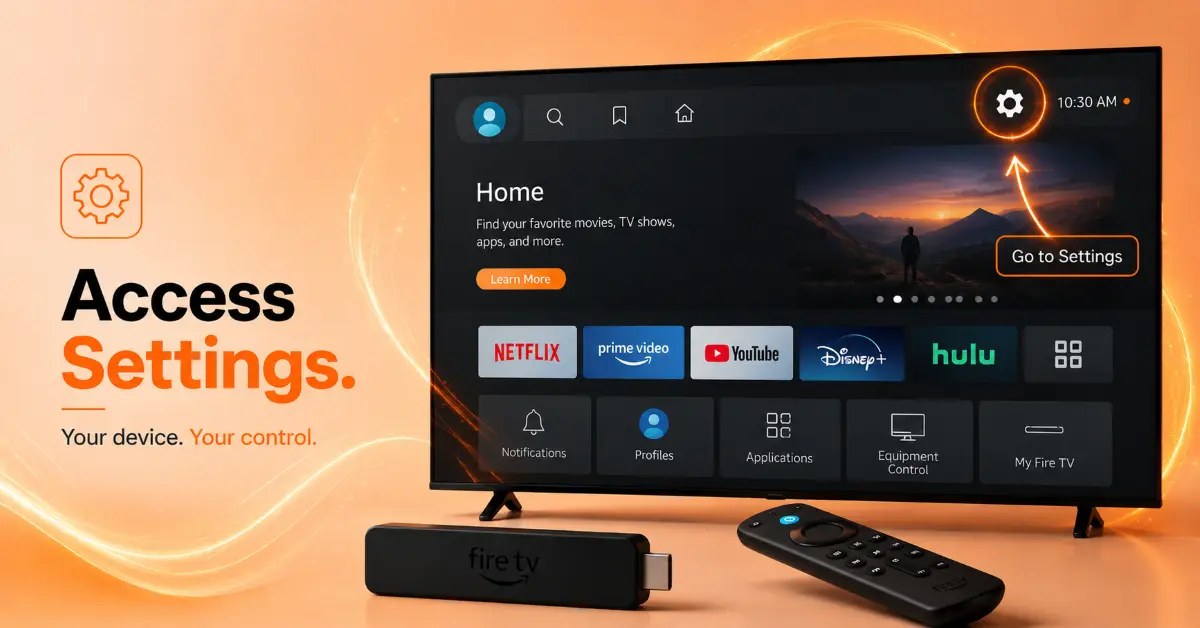
Open Firestick Settings
-
Turn on your Firestick device
-
Go to the home screen
-
Select the gear icon at the top
-
Open My Fire TV
Step 02
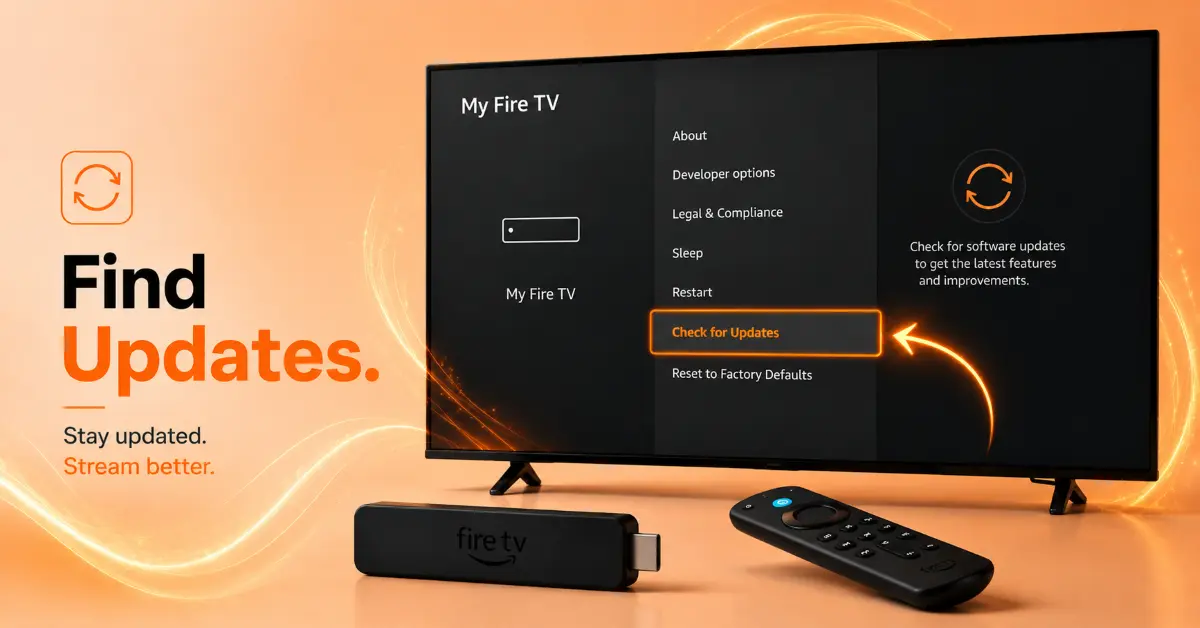
Check for Software Updates
-
Scroll to About
-
Select your Fire TV device name
-
Click Check for Updates
-
Wait while Firestick searches for updates
Get Surfshark — 20% Off
Step 03
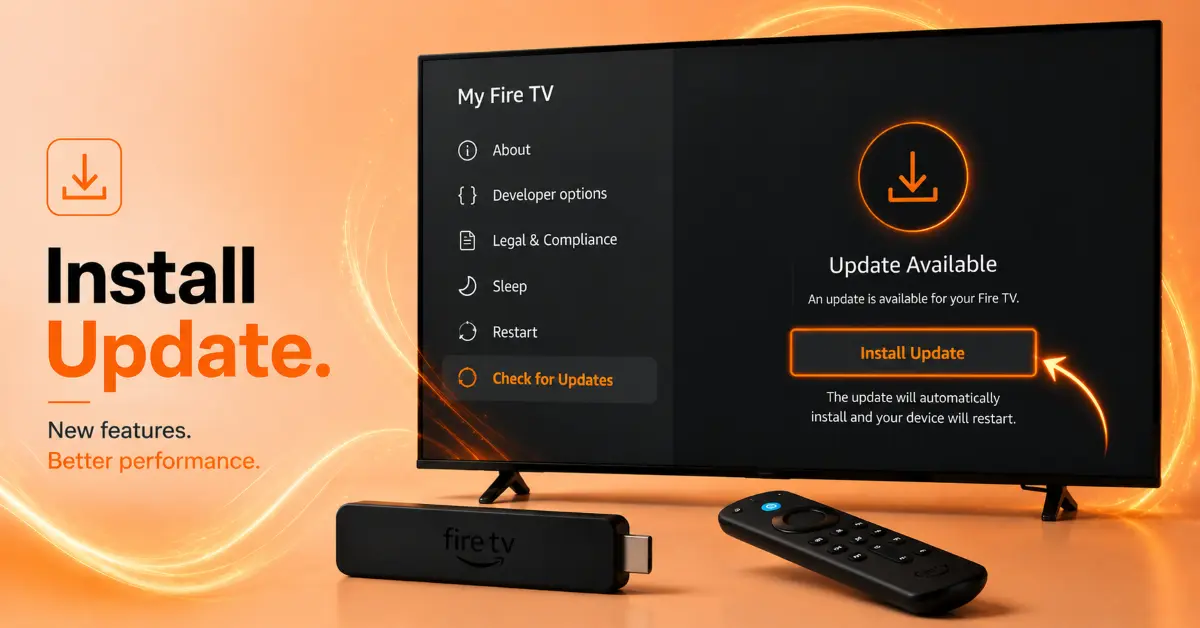
Download and Install the Update
-
Select Install Update if available
-
Keep your Firestick connected to WiFi
-
Do not unplug the device during installation
-
Wait for the Firestick to restart automatically
Step 04
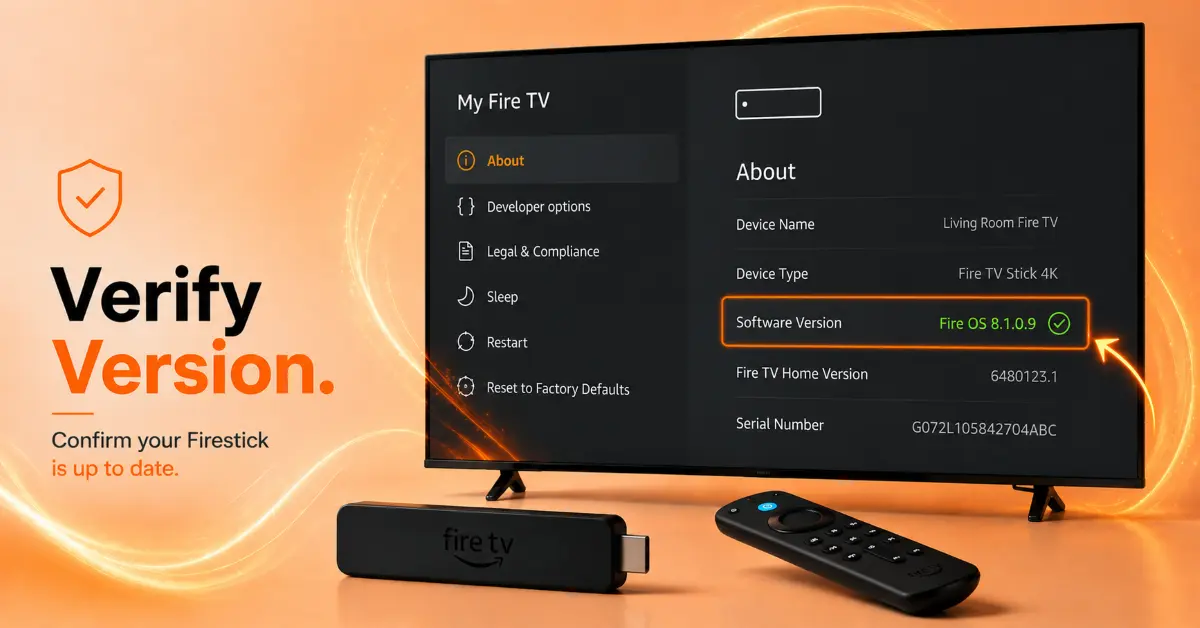
Confirm the Update
-
Return to My Fire TV
-
Open About again
-
Check the software version details
-
Confirm your Firestick runs the latest update
Quick Comparison
Side-by-side comparison of top Fire Stick VPNs
| VPN | Price | Servers | Speed | Devices | Rating | Actions |
|---|---|---|---|---|---|---|
|
|
$1.88/mo | 3,200+ | Blazing Fast | 8 | 4.7 | Get Deal |
 NordVPN
|
$4.39/mo | 6,998+ | Blazing Fast | 8 | 4.8 | Get Deal |
 EXPRESS VPN
|
$2.79/mo | 3,000+ | Blazing Fast | 8 | 5 | Get Deal |
 Proton VPN
|
$3.99/mo | 14,999+ | Blazing Fast | 7 | 4.8 | Get Deal |
 PrivadoVPN
|
$1.99/mo | — | Blazing Fast | 5 | 4 | Get Deal |
Frequently Asked Questions
Why is my Fire TV Stick manual update not working?
There may be several reasons, including a slow internet connection, low storage space, and outdated system files. All these reasons can stop Fire TV Stick manual update.
How long does a Firestick software update take?
Firestick software update is quick and usually takes 5-15 minutes, depending on your connection speed and device model.
Can I use my Firestick while the update installs?
It's better to avoid using your Firestick while updating, because it may lead to system errors or issues.
How often should I update Firestick software manually?
Try to check for a new update every few weeks. New updates include the latest features, bug fixes and performance improvements.
How can I check my current Firestick software version?
Open the "Settings", go to "My Fire TV", select "About" and view "Software Version" section to confirm your current system version
What should I do if my Firestick is stuck on updating?
Try restarting, reconnect to WiFi, and try the update again through the Firestick software update guide in the setting menu.
Does updating Firestick software improve streaming quality?
Updating Firestick can fix bugs, improve performance, app stability, load speed, and security features.