How to Use Firestick with Hearing Aids? Simple Guide
Editor's Choice
#1 Pick
Editor's Choice
 EXPRESS VPN
$2.79/month
Save 20%
Blazing Fast
3,000+
214
8
Step by Step Instructions
Step 01

Open the Amazon App Store
From your Firestick home screen, navigate to the “Find” or search icon and open the Amazon App Store.
Step 02

Search for ExpressVPN
Type “ExpressVPN” in the search bar using your remote. Select the official ExpressVPN app from the results.
Step 03

Download & Install the App
Click on the “Download” or “Get” button to install the app on your Firestick. Wait for the installation to complete.
Step 04

Sign In & Connect
Open the app, sign in with your ExpressVPN account, and tap the power button to connect to a server.
How to Use Firestick with Hearing Aids?
A simple guide to pairing and streaming audio through your hearing aids on Firestick
Step 01
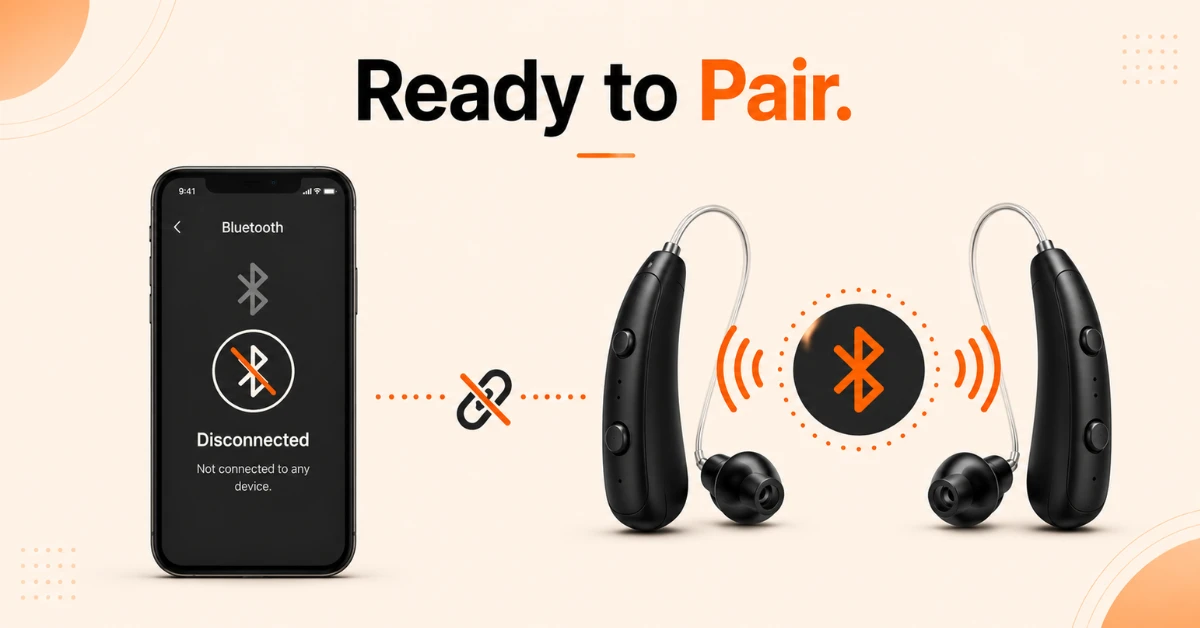
Prepare Your Hearing Aids for Pairing
-
Disconnect your hearing aids from any other Bluetooth devices such as your phone or tablet
-
Turn off Bluetooth on all other connected devices before starting the pairing process
-
Put your hearing aids into pairing mode following your manufacturer's instructions
Step 02
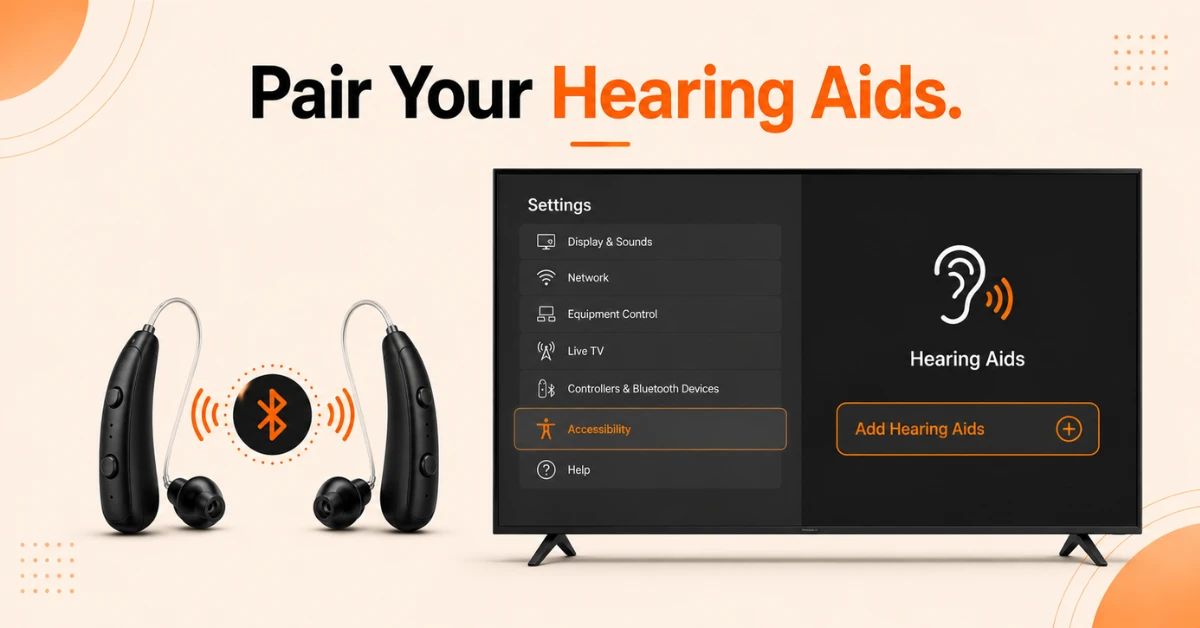
Pair Your Hearing Aids Through Accessibility Settings
-
Go to Settings from your Firestick home screen and scroll down to Accessibility
-
Select Hearing Aids and then select Add Hearing Aids
-
Follow the on screen instructions to complete the pairing process
-
If you use both a left and right hearing aid, you will need to pair each one separately
Get EXPRESS VPN — 20% Off
Step 03
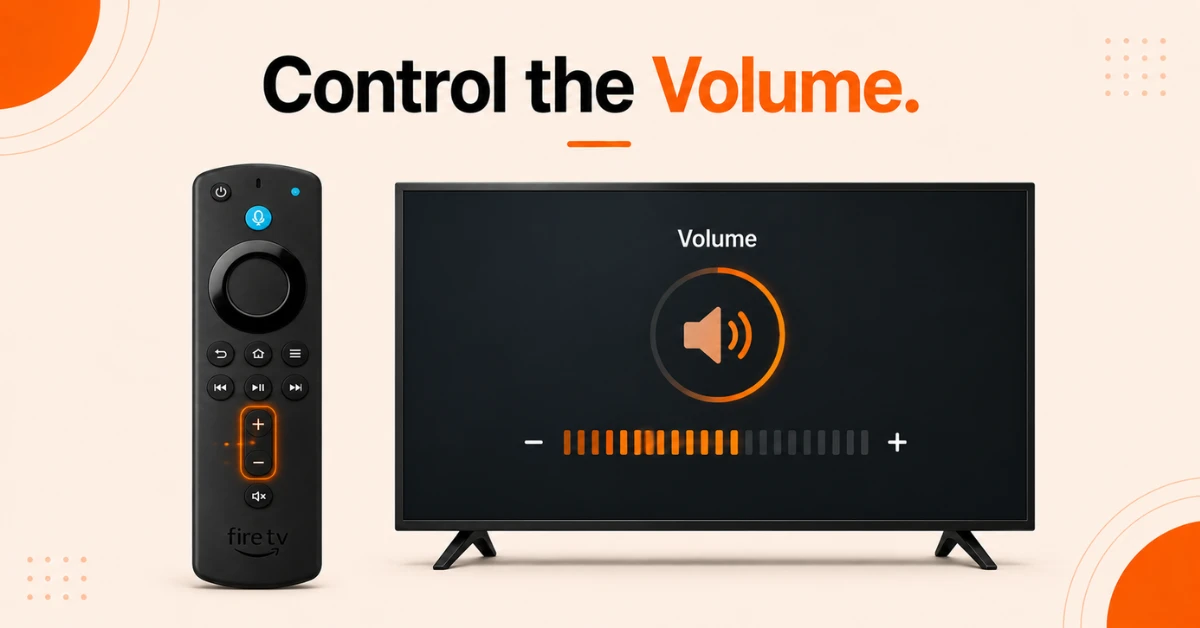
Adjust Volume and Start Streaming
-
Once paired, use your Firestick remote's volume buttons to control the audio level in your hearing aids
-
Audio from all apps, streaming services, games, and Alexa will stream directly to your hearing aids
-
Stay within 10 feet and in line of sight of your Firestick for the best connection quality
Step 04
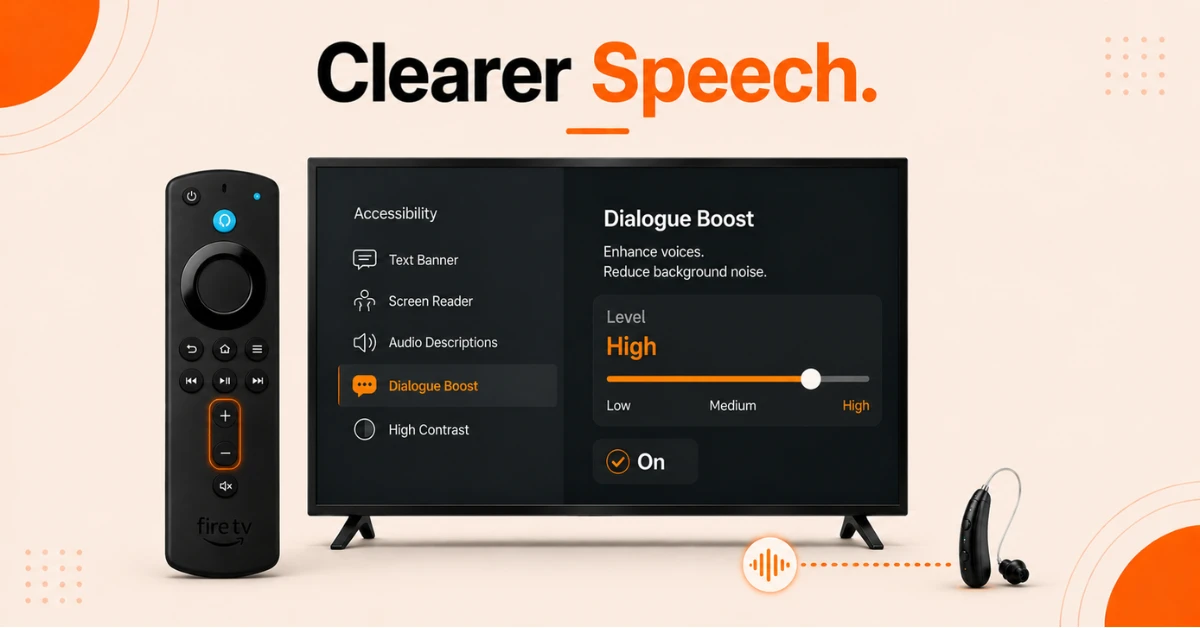
Enable Dialogue Boost for Clearer Speech
-
Go to Settings, select Accessibility, and select Dialogue Boost
-
Choose your preferred level of speech emphasis to make dialogue clearer and more distinct
-
This feature uses on device machine learning to reduce background sounds and amplify speech frequencies
Quick Comparison
Side-by-side comparison of top Fire Stick VPNs
| VPN | Price | Servers | Speed | Devices | Rating | Actions |
|---|---|---|---|---|---|---|
|
EXPRESS VPN
|
$2.79/mo | 3,000+ | Blazing Fast | 8 | 5 | Get Deal |
 Proton VPN
|
$3.99/mo | 14,999+ | Blazing Fast | 7 | 4.8 | Get Deal |
 NordVPN
|
$4.39/mo | 6,998+ | Blazing Fast | 8 | 4.8 | Get Deal |
|
|
$1.88/mo | 3,200+ | Blazing Fast | 8 | 4.7 | Get Deal |
 IPVanish
|
$2.49/mo | 3,100+ | Blazing Fast | 6 | 4 | Get Deal |
 PrivadoVPN
|
$1.99/mo | — | Blazing Fast | 5 | 4 | Get Deal |
Frequently Asked Questions
Can I stream all audio through my hearing aids when using Firestick?
Yes, once paired your hearing aids receive all audio from your Firestick at the system level including streaming apps, games, and Alexa. This means everything your Firestick plays will come through your hearing aids privately.
How do I control the volume on my hearing aids when using Fire Stick?
Use the volume buttons on your Firestick remote to control the audio level streaming to your hearing aids. You can adjust the volume at any time during playback just as you would with any other audio device connected to your Fire Stick.
Do I need to disconnect my hearing aids from my phone before pairing with Firestick?
Yes, Bluetooth hearing aids can only be connected to one device at a time. Before pairing with your Firestick you need to disconnect your hearing aids from your phone or tablet by temporarily turning off Bluetooth on those devices.
How close do I need to be to use hearing aids with Fire Stick?
For the best connection quality you should stay within 10 feet and have a clear line of sight to your Firestick device. Hearing aids have small antennas so distance and obstructions can affect the stability of the Bluetooth connection.
Can I still use Alexa with my hearing aids connected to Firestick?
Yes, Alexa audio is included in the system level streaming so voice responses from Alexa will also come through your hearing aids when they are paired to your Firestick.
Why won't my hearing aids connect to my Fire TV Stick?
Common reasons include your hearing aids still being connected to another device, not being in pairing mode, or being too far from your Firestick. Make sure Bluetooth is turned off on all other devices, put your hearing aids in pairing mode, stay within 10 feet of your Firestick, and try again.
Which hearing aids are compatible with Firestick?
Compatible hearing aids include those from Starkey and its associated brands including Audibel, NuEar, MicroTech, and Audigy, as well as Widex hearing aids and Cochlear hearing devices. Always check the Amazon accessibility page for the latest list of supported devices.